Manually Uploading Your Profile Picture
Last updated: December 2, 2025
Note: Each team member must update their own profile picture individually.
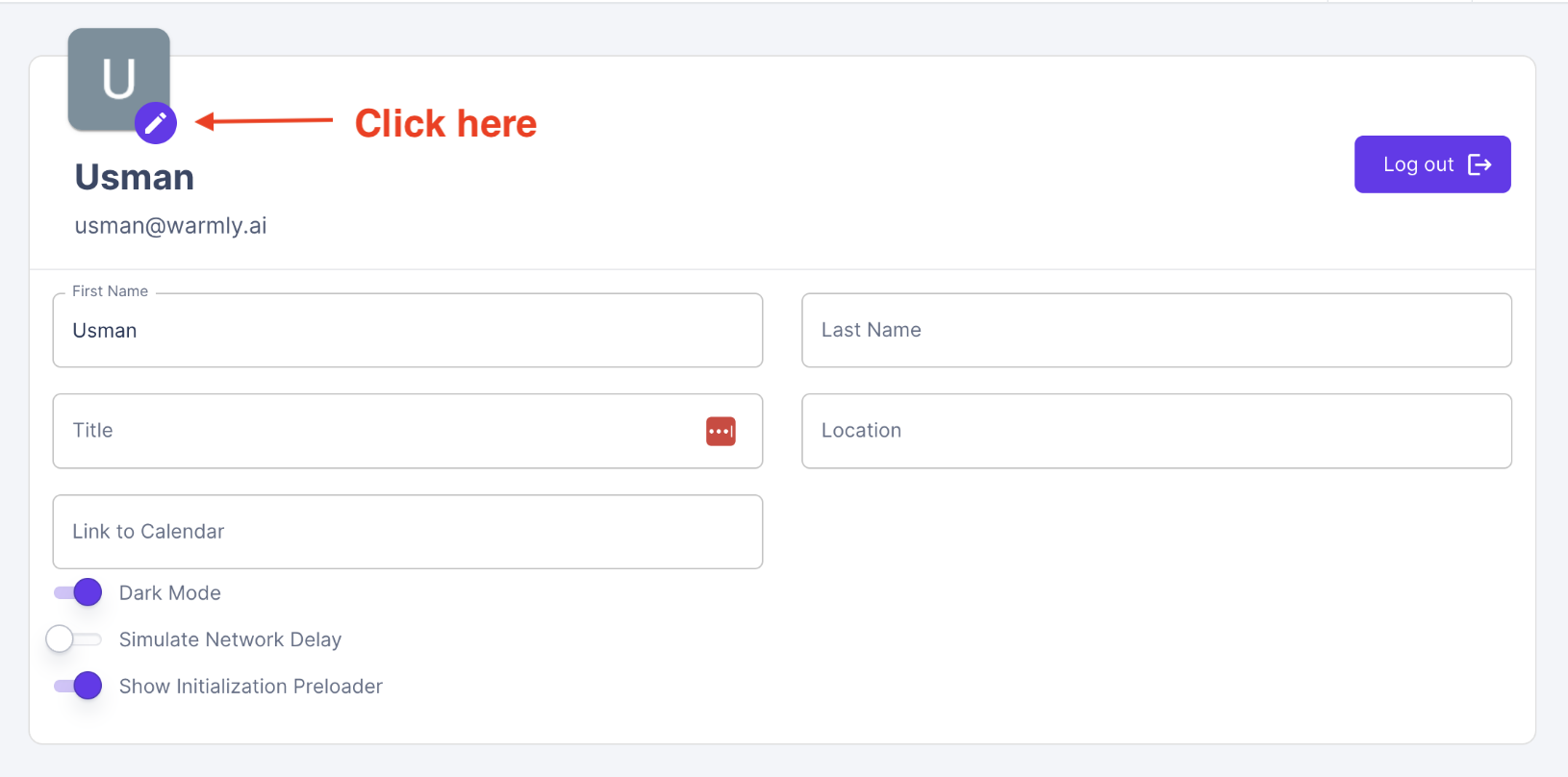
Depending on your company permissions in Google and Microsoft, Warmly will automatically pull in profile pictures for your team members. In the event that you wish to manually add a profile picture, select the edit button next to your picture in the General Settings tab.
➡ Next Steps:
Have questions or feedback? Reach out to your CSM or email us at [email protected]