Setting Up Your Profile in Warmly
Last updated: December 2, 2025
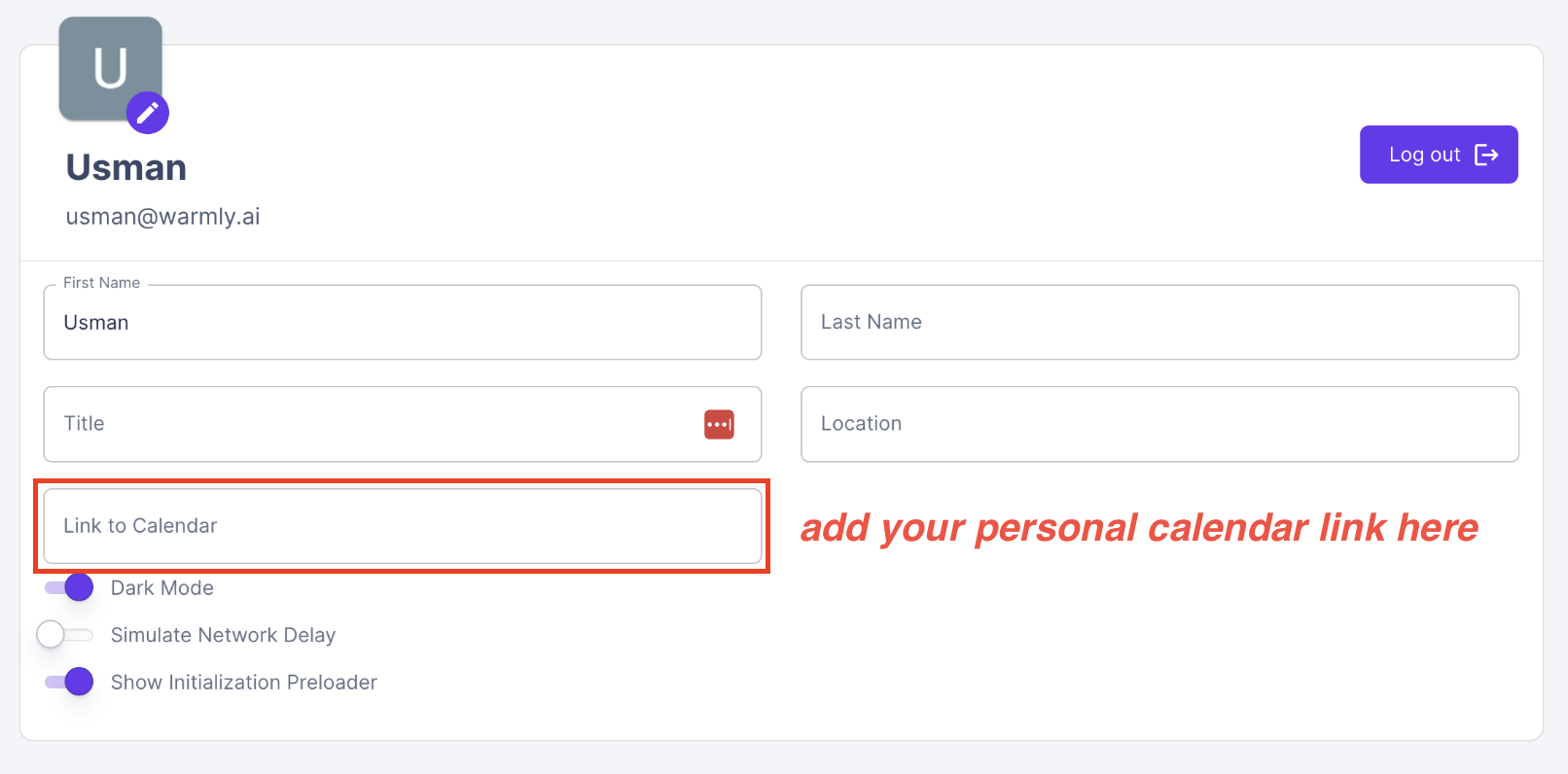
To set up your profile, navigate to the General Settings section within your Settings tab. Here, you can add important details such as:
First name
Last name
Title
Location
Calendar link
Why this step matters?
We strongly recommend that every rep completes their profile. Adding information about yourself will help make it clear to prospects on your website, with whom you are chatting, that you are a real person (not a bot). In fact, we recommend that you play around with the ‘title’ field to make it even clearer that you are who you say you are (feel free to add a joke or a pun!).
Including your calendar link in this section allows you to share it instantly with prospects directly from the chat window using the + button. This makes scheduling meetings smooth and effortless.
➡ Next Steps:
Have questions or feedback? Reach out to your CSM or email us at [email protected]