Pushing Data from Warmly to Instantly
Last updated: July 22, 2025
To push data from Warmly to Instantly, you can use Warmly's Webhook functionality and Zapier. This data flow allows you to take lead or visitor data captured in Warmly and send it into Instantly (to create a lead or add to a campaign).
Warmly → Instantly via Zapier
1. Create a Zap
Go to Zapier and click "Create Zap"
2. Trigger: Warmly
App:
Webhooks by ZapierEvent:
Catch Hook
3. Action: Instantly
App:
InstantlyAction:
Add Lead to CampaignorCreate Lead
NOTE: If Instantly doesn’t show up in Zapier’s app list, use Webhooks by Zapier to send a POST request to Instantly's API.
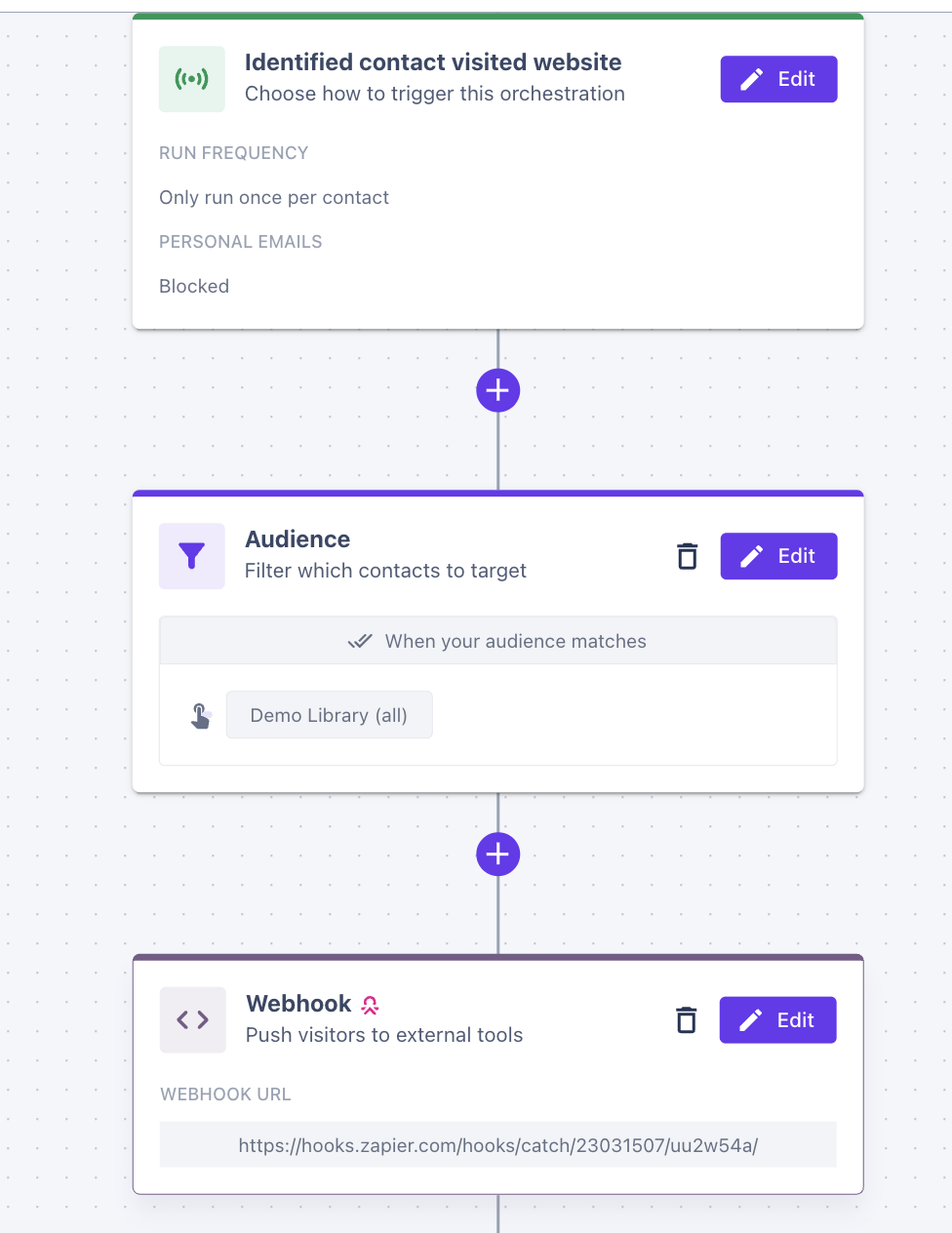
4. Create Your Warmly Orchestration with Webhook Step
Create your orchestration flow that includes the Webhook step and use the Webhook URL from your Zap. To review how to set up orchestrations, refer to the following Help Articles: