Segments 2.0 - Signals: Page Visits
Last updated: January 9, 2025
Filtering website visitors based on specific webpage visits allows you to identify prospects who have shown clear interest in your products or services. By tracking which pages your visitors engage with, you can pinpoint those with intent and prioritize outreach to the right people. This targeted approach enables you to tailor your messaging, increasing the likelihood of converting interested visitors into valuable customers.
Navigation
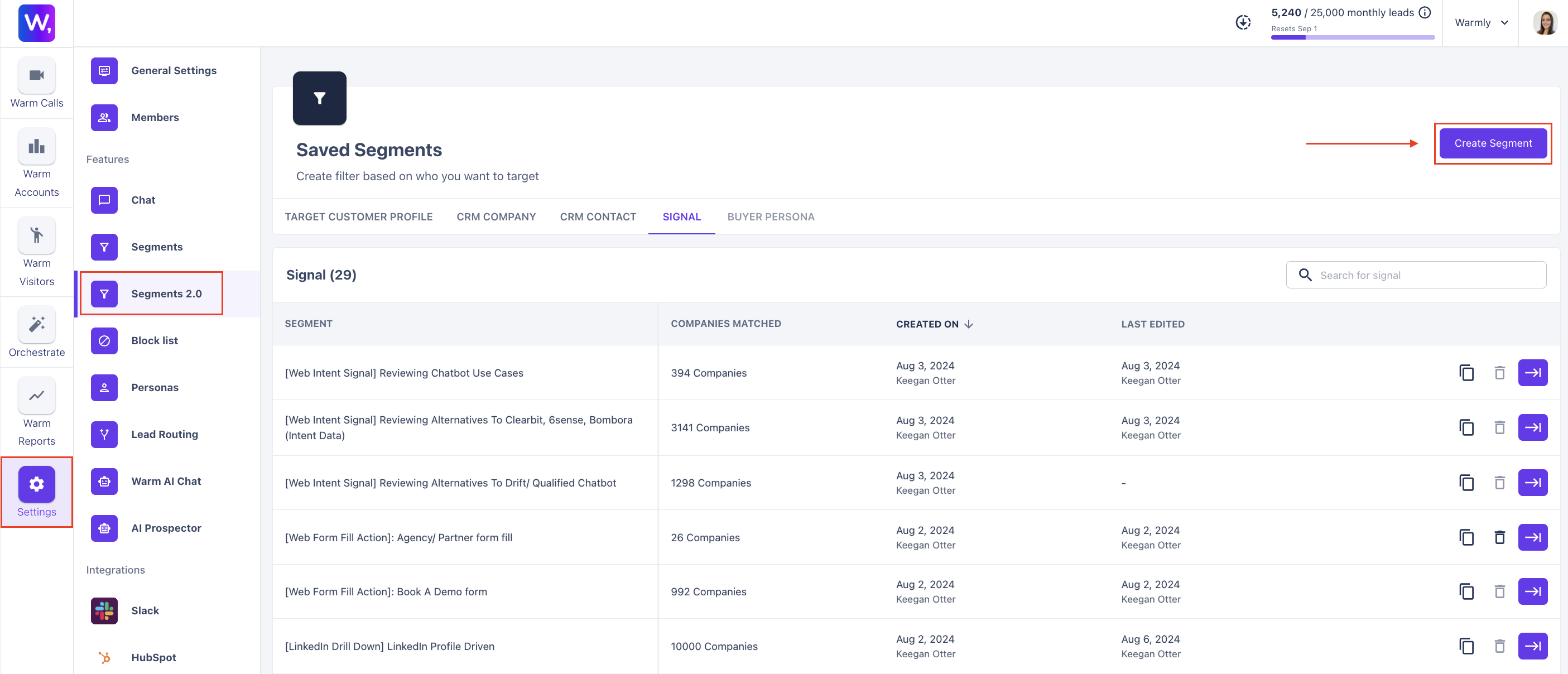
Start by going to Segments 2.0
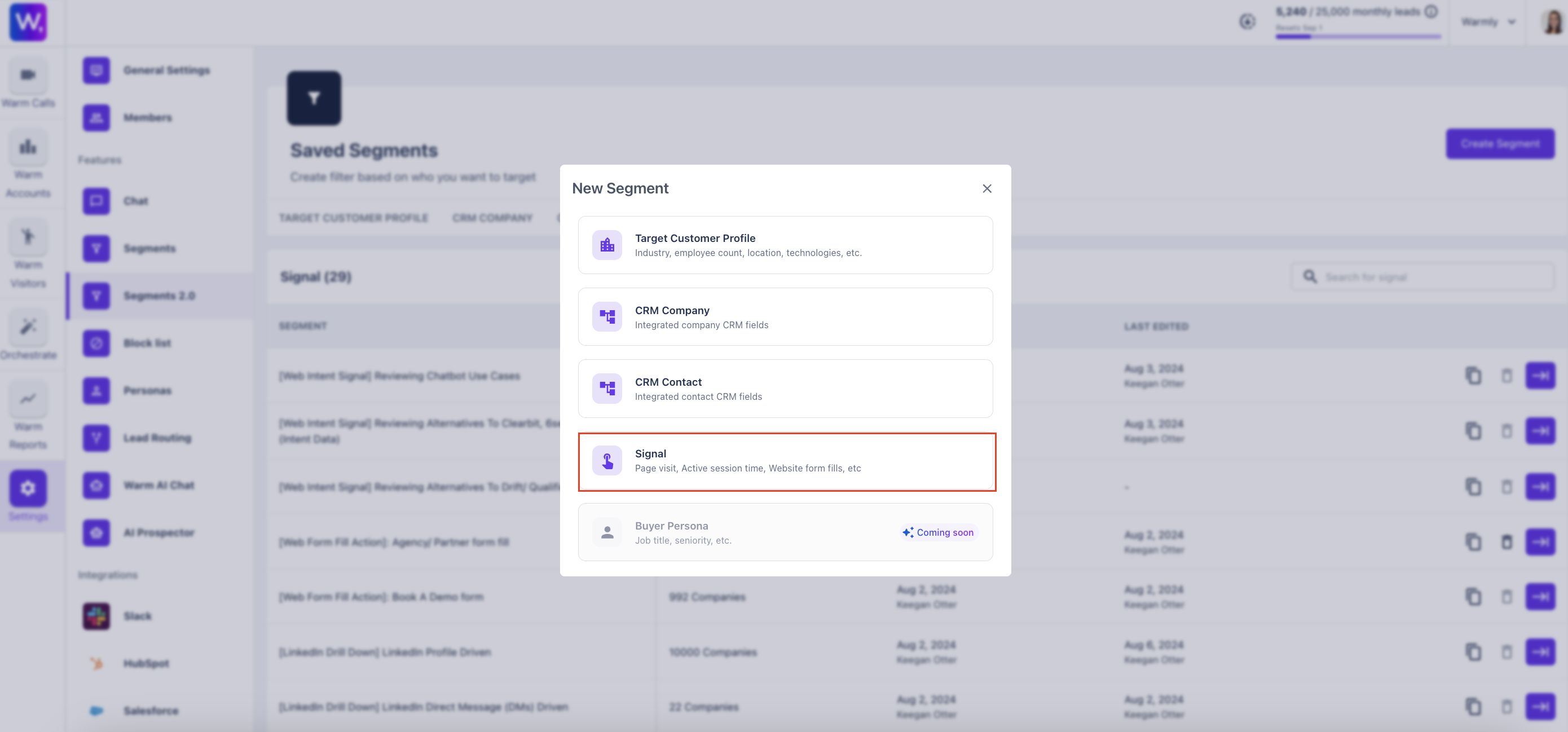
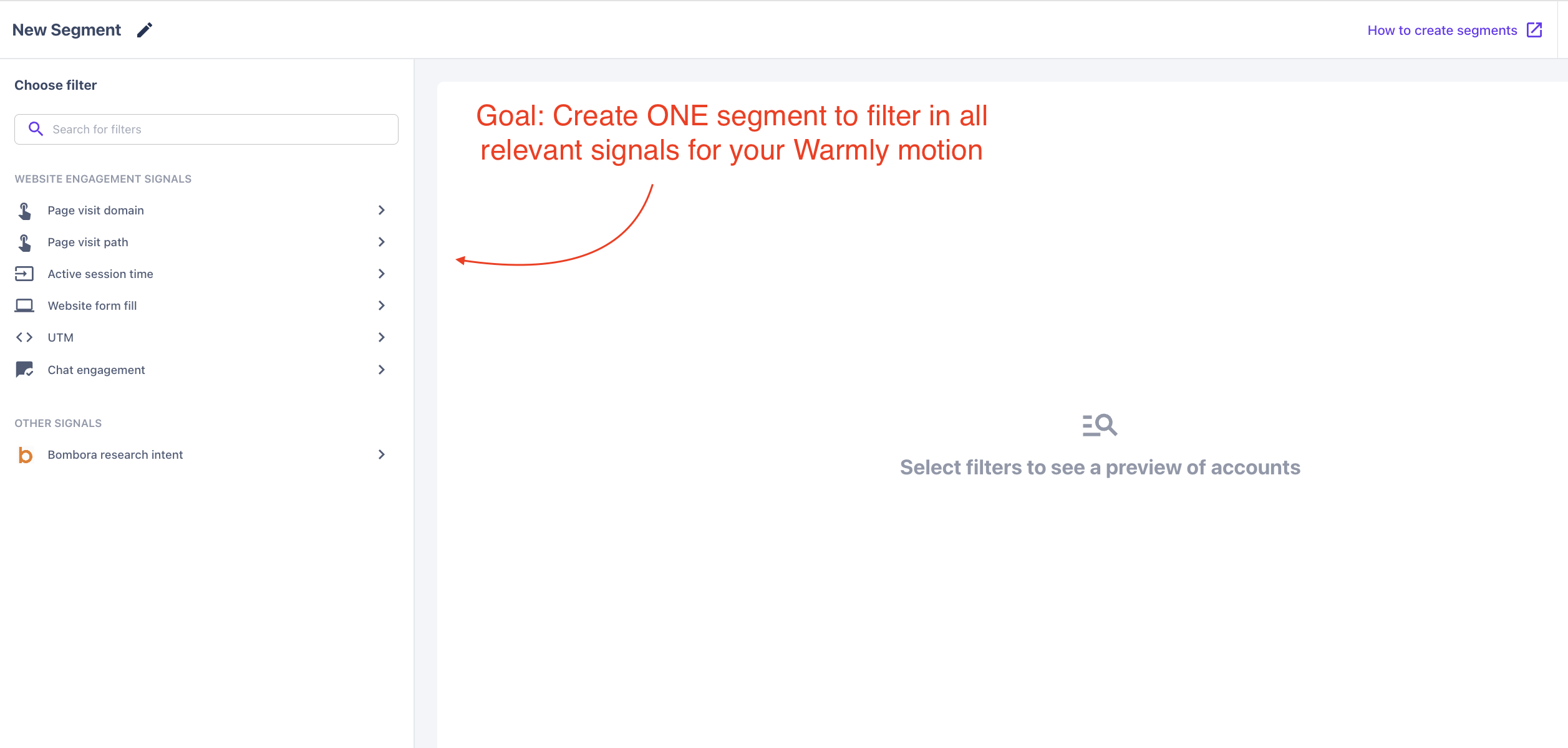
Building Page Visit Segments
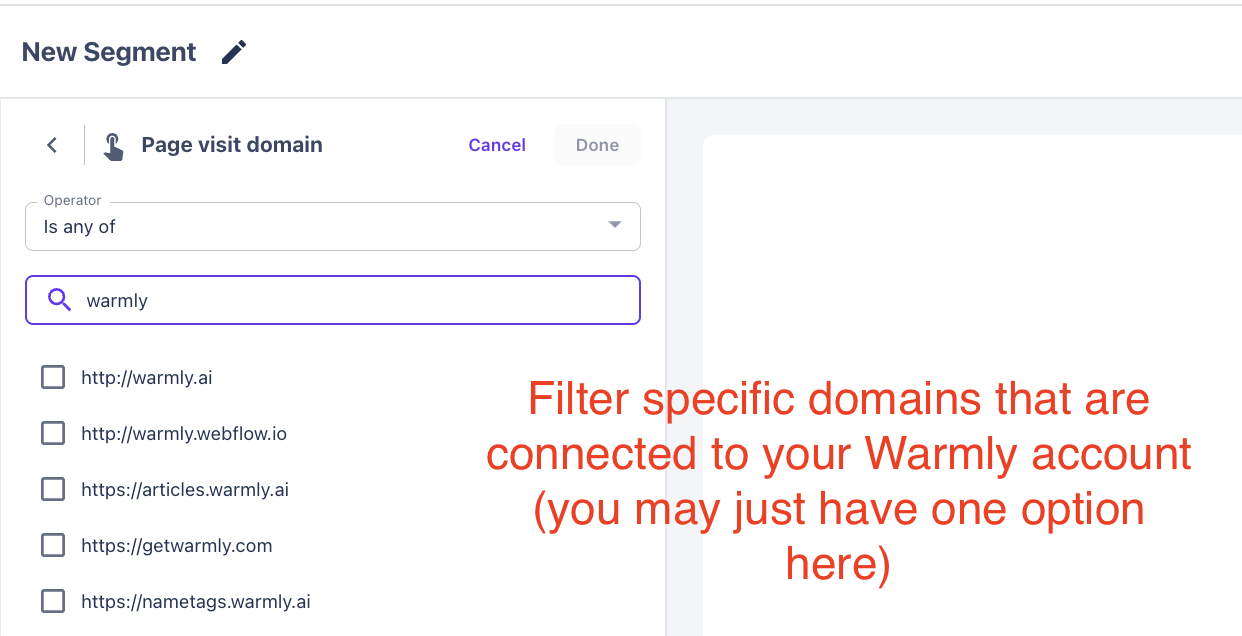
Filter IN/OUT specific DOMAINS
(if you have multiple website domains attached to your Warmly account)
Filter IN Specific WEBPAGES
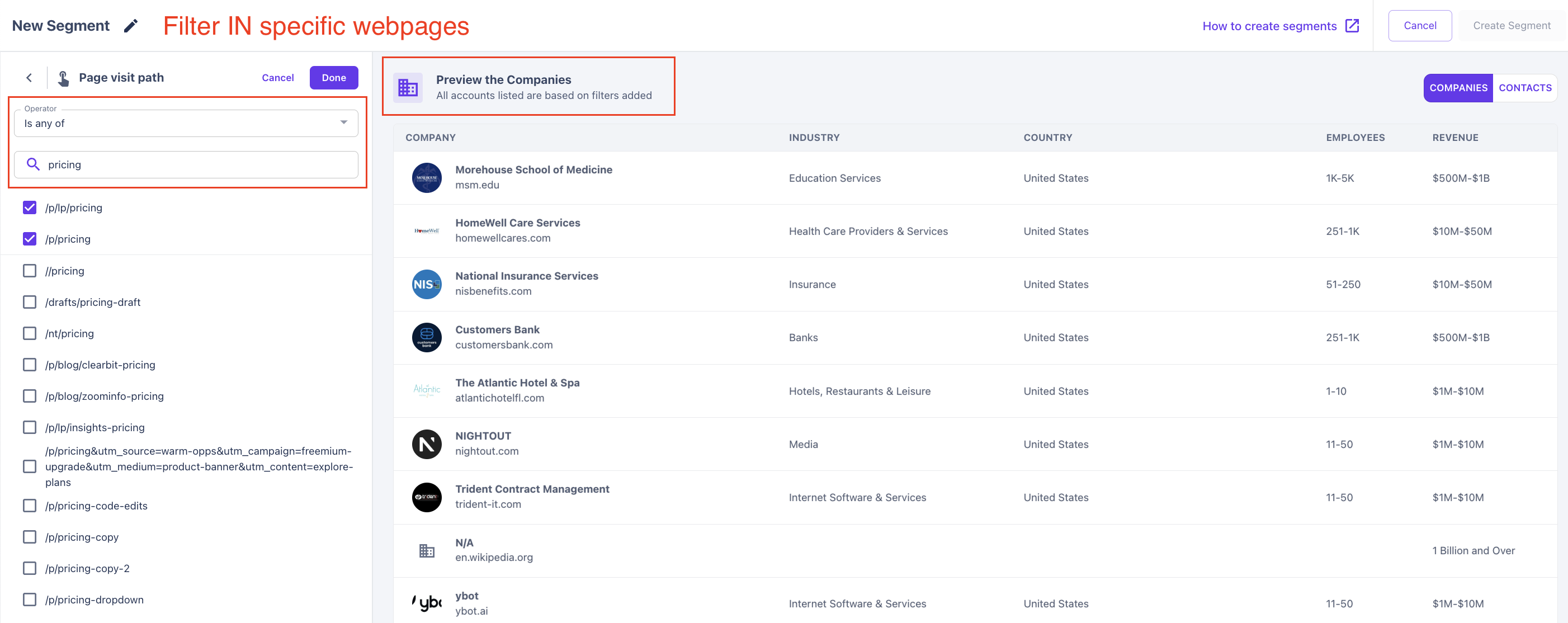
Filter OUT Specific WEBPAGES
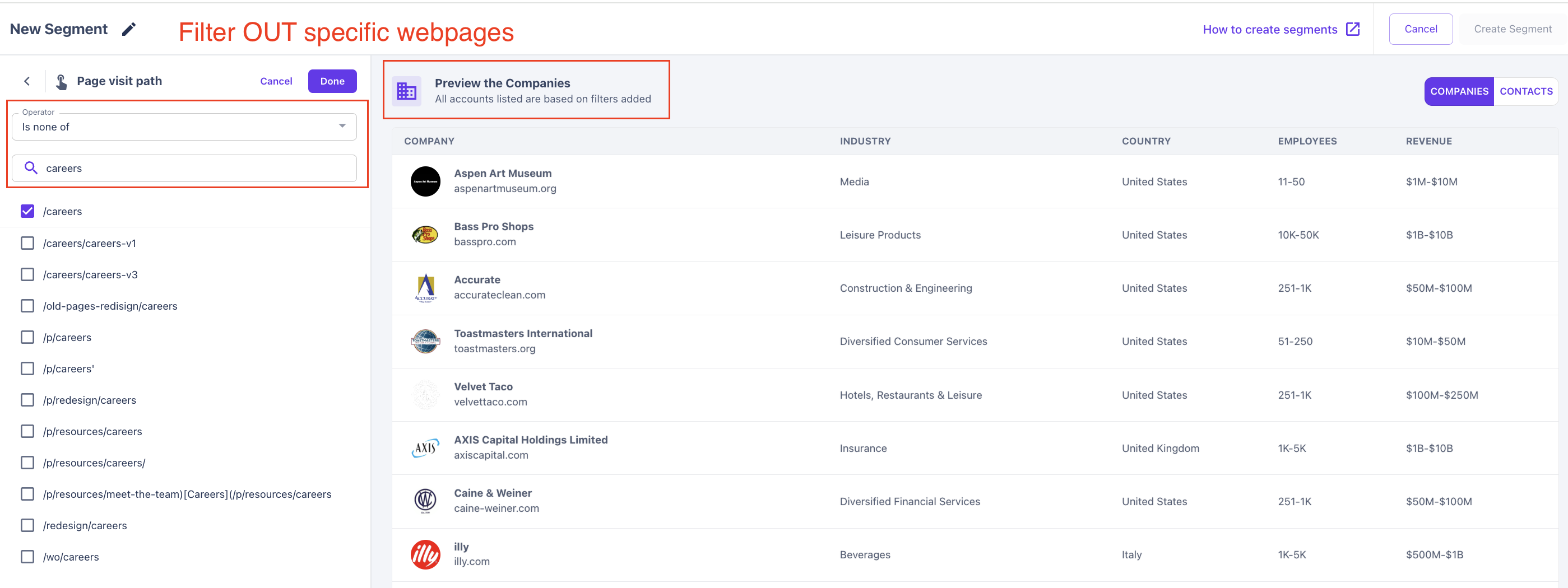
Filtering Results:
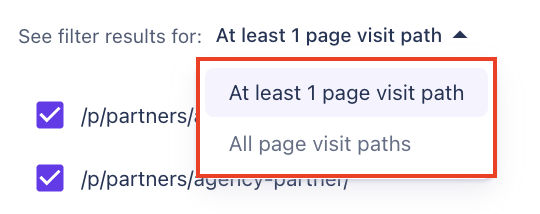
Any of + all pages = visitor needs to have seen all pages in the filter
any of at least 1 page = visitor needs to have seen just 1 of the pages in the filter
None of all pages = visitor needs to have seen none of all the pages in the filter
none of at least 1 page = visitor needs to not have seen at least one. I’d actually ignore this case. Doesn’t really make sense to use but probably not much we should change in the UI
Building your ICP into ONE segment !!
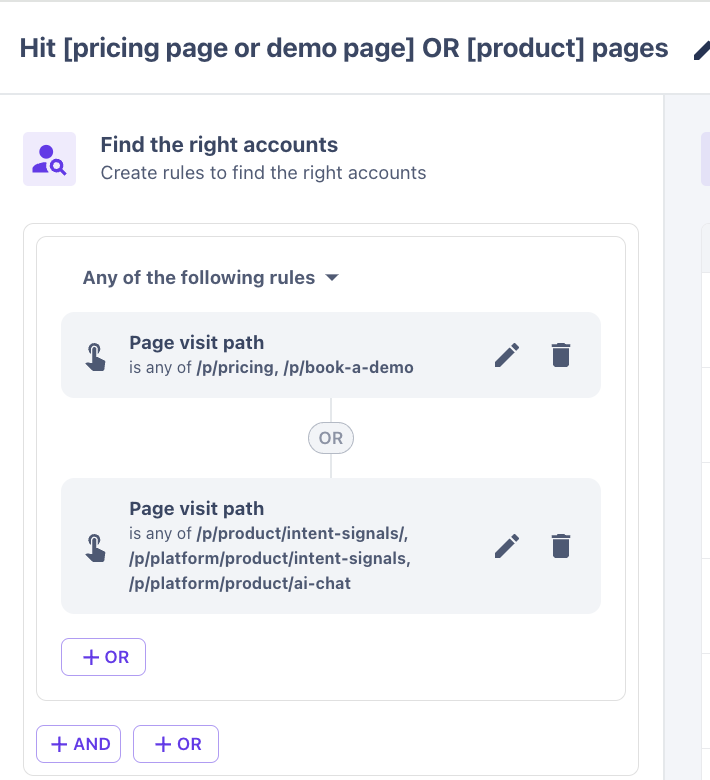
Filter in companies who hit Pricing or Demo pages
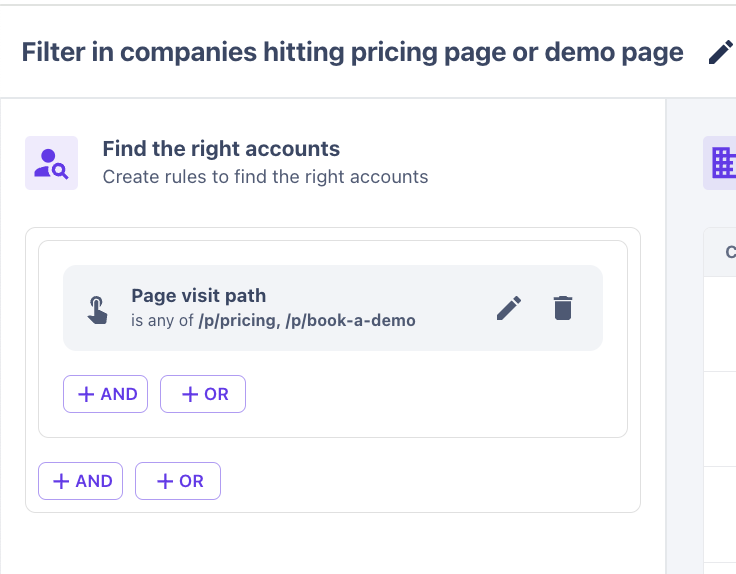
Hit [Pricing OR Demo] pages OR Hit [product] pages
This article was written by the Customer Success team at Warmly. Please feel free to reach out to your CSM directly or [email protected]