Getting Started with Coldly
Last updated: May 6, 2025
If you're logging in to Coldly for the first time, this article will outline the steps to create your account, add additional team members, verify credits remaining, and create your first lists.
If you prefer a video walkthrough on getting started in the Coldly database, click here!
Activating your Coldly Account
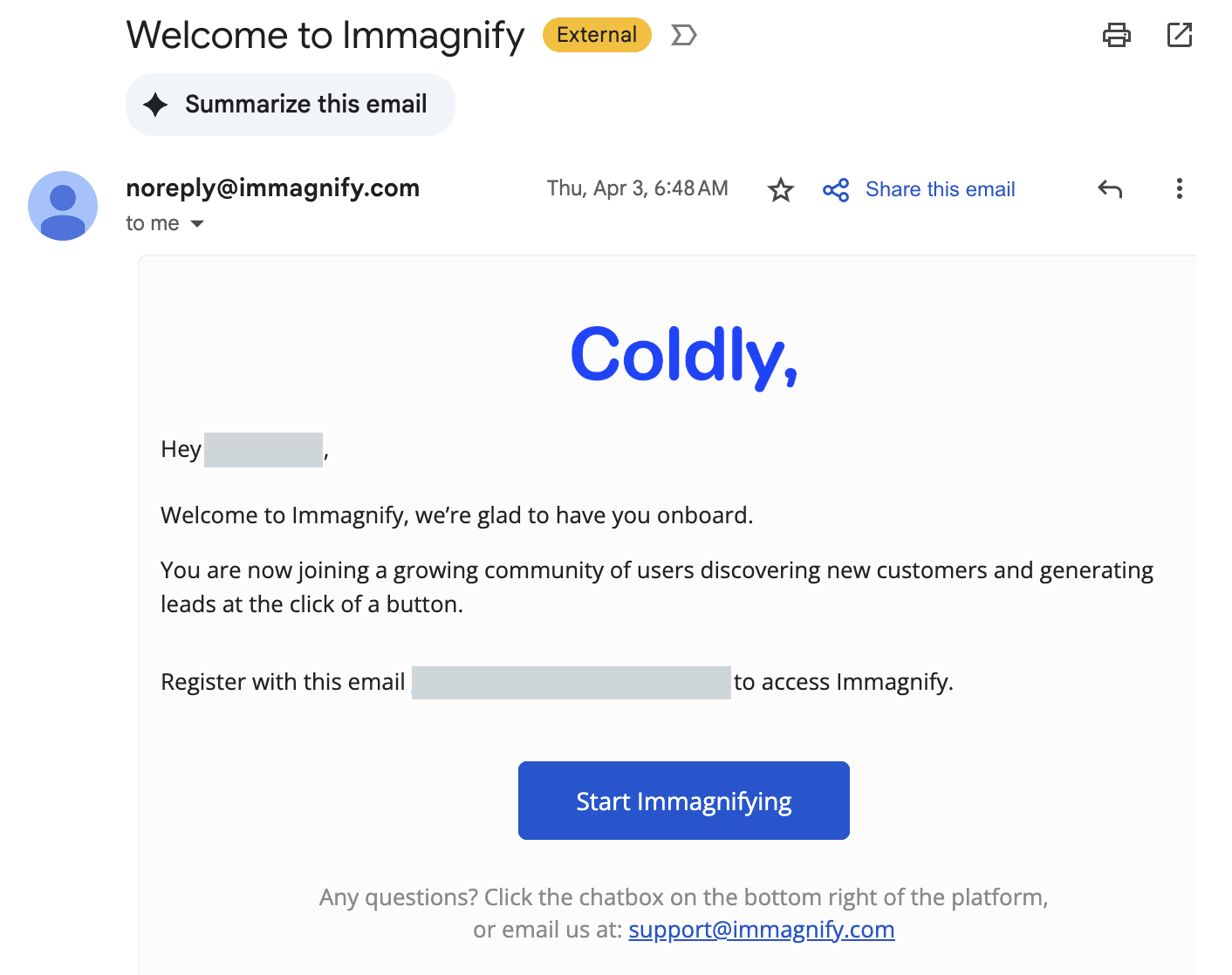
You'll receive an email activation link from [email protected] titled Welcome to Immagnify. Click Start Immagnifying to register your account.
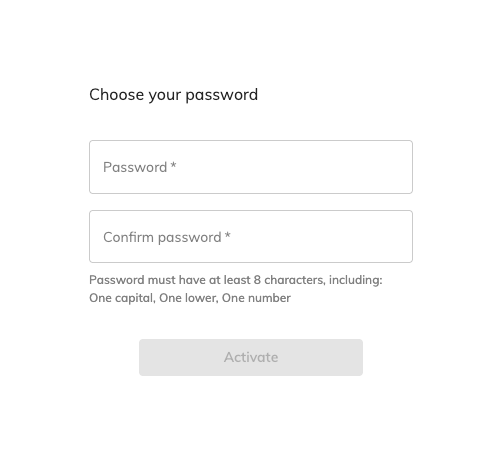
Choose your password. Click "Activate."
You're in!
Adding New Users
For more guidance on adding new users to Coldly, click here!
Checking Your Credit Balance
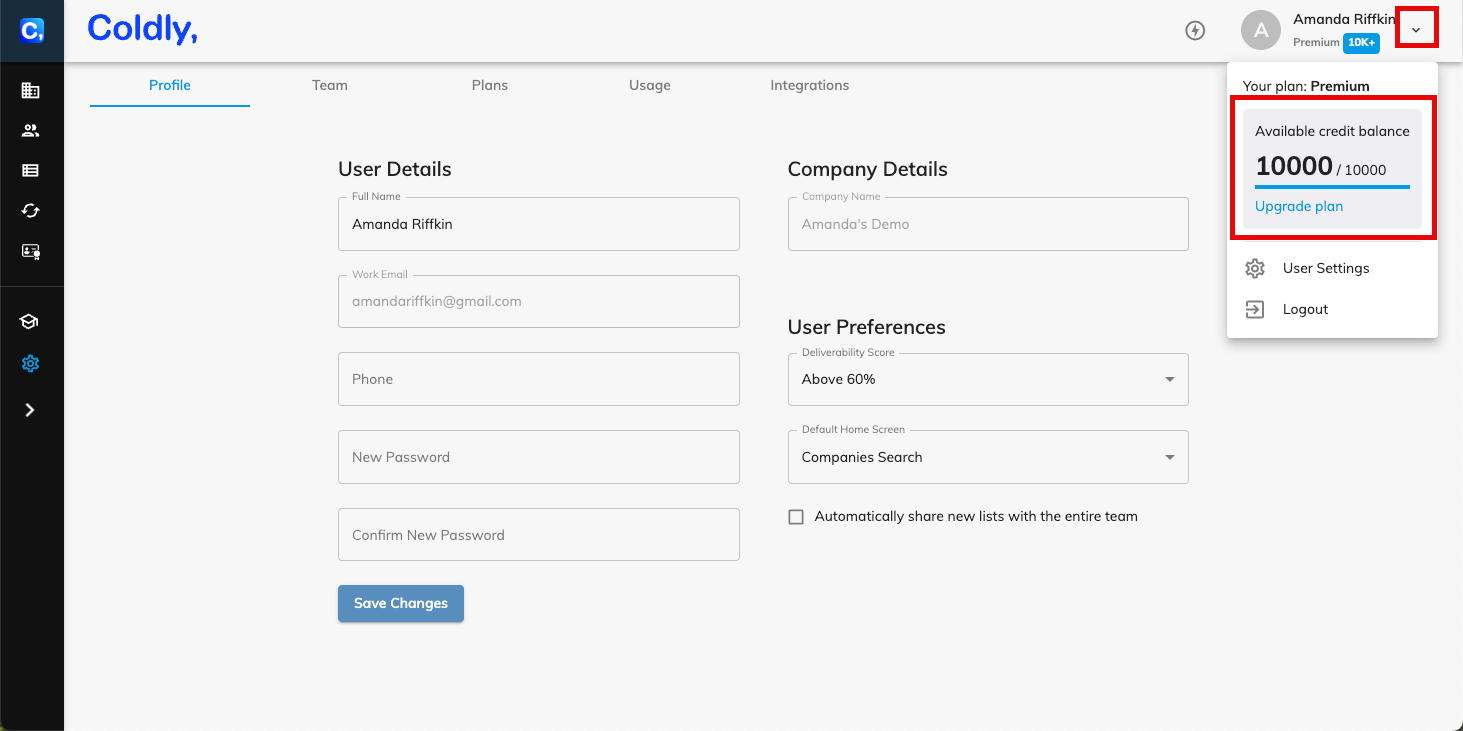
To check your credit balance, click the drop down arrow under your profile name in the top right. You'll be shown your current usage and credit balance available.
For more information about how credits are calculated, click here.
What is Coldly?
Coldly is a B2B sales intelligence platform designed to streamline lead generation and prospecting by providing real-time, accurate data on companies and contacts. It empowers sales and marketing teams to identify and connect with high-quality leads efficiently, enhancing overall sales performance.
Key Features and Benefits
Advanced Filtering Capabilities: Users can leverage powerful filters to narrow down prospects based on various criteria, including job titles, technologies used, intent data, and more. This precision targeting helps in focusing efforts on the most promising leads.
Real-Time Data Collection and Validation: Immagnify employs proprietary search algorithms to scan publicly available web pages, such as company websites and social media profiles, ensuring that the data is current and accurate. This approach reduces the risk of outdated or incorrect information, which is common in traditional databases.