Segments 2.0 - CRM Contact
Last updated: September 17, 2024
In this article, we'll guide you through creating segments for CRM contacts and leads. You'll learn how to filter by contact or lead owner, as well as any custom fields you've connected. These filters will help you focus on the most relevant contacts and leads, allowing you to streamline your outreach and ensure you're engaging with the right people at the right time.
**** Setup is the SAME for Hubspot and Salesforce ****
Navigation
Start by going into Segments 2.0
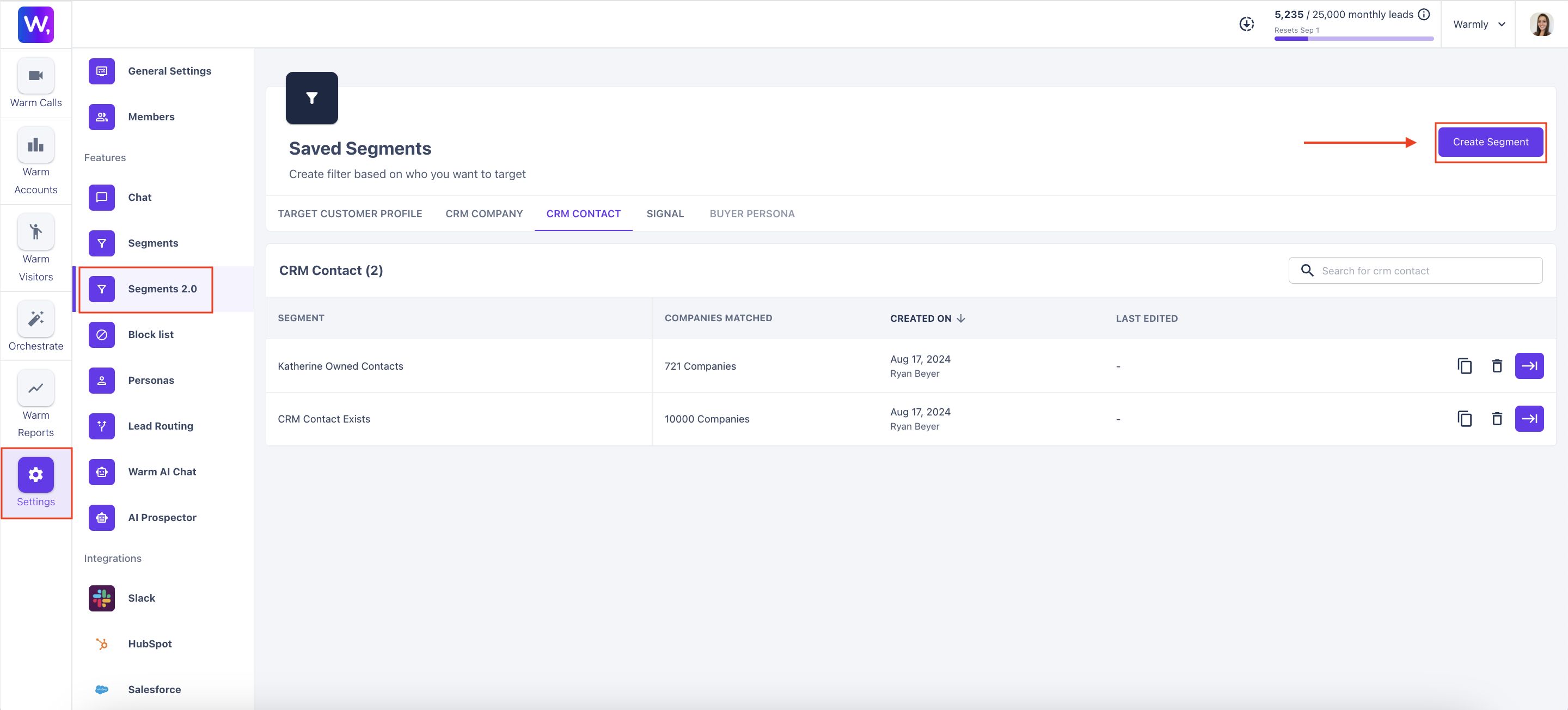
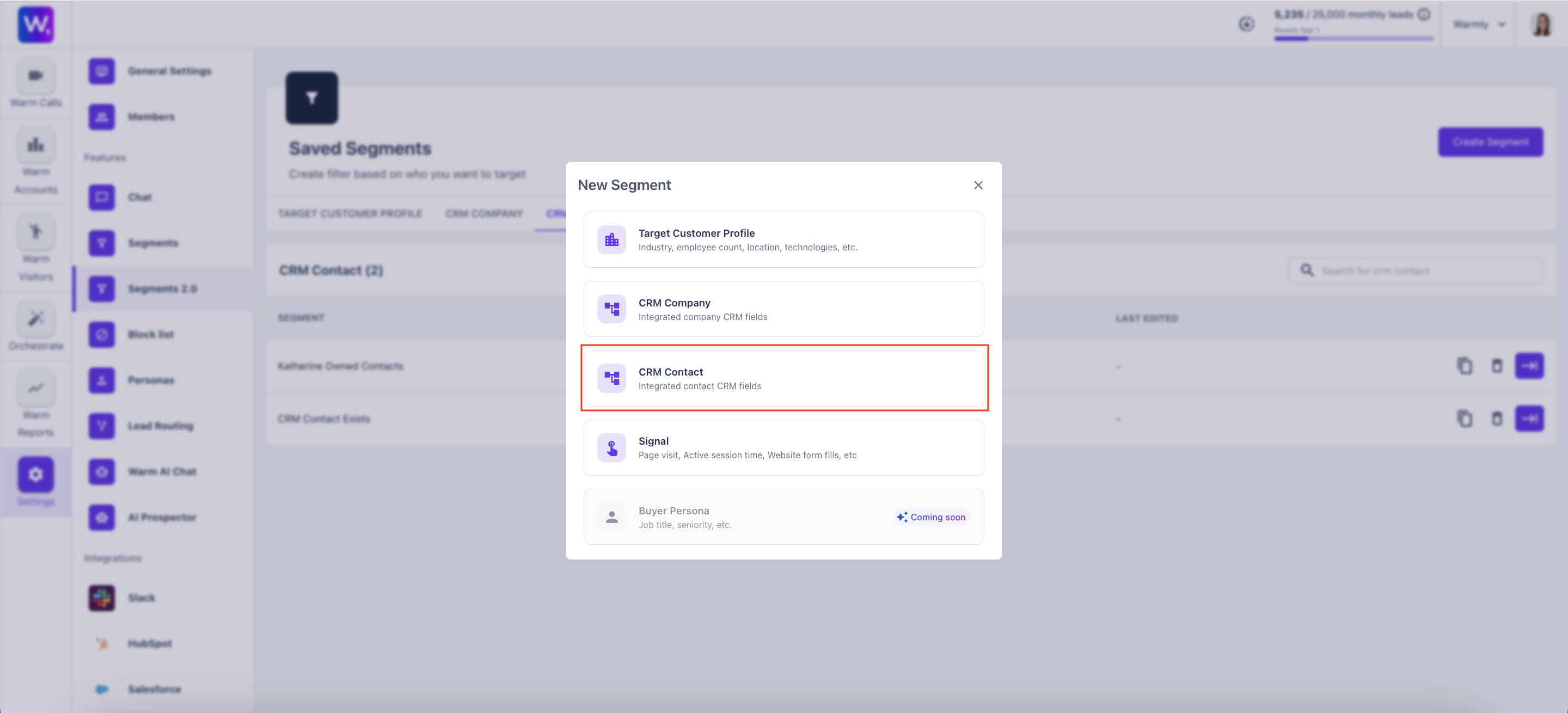
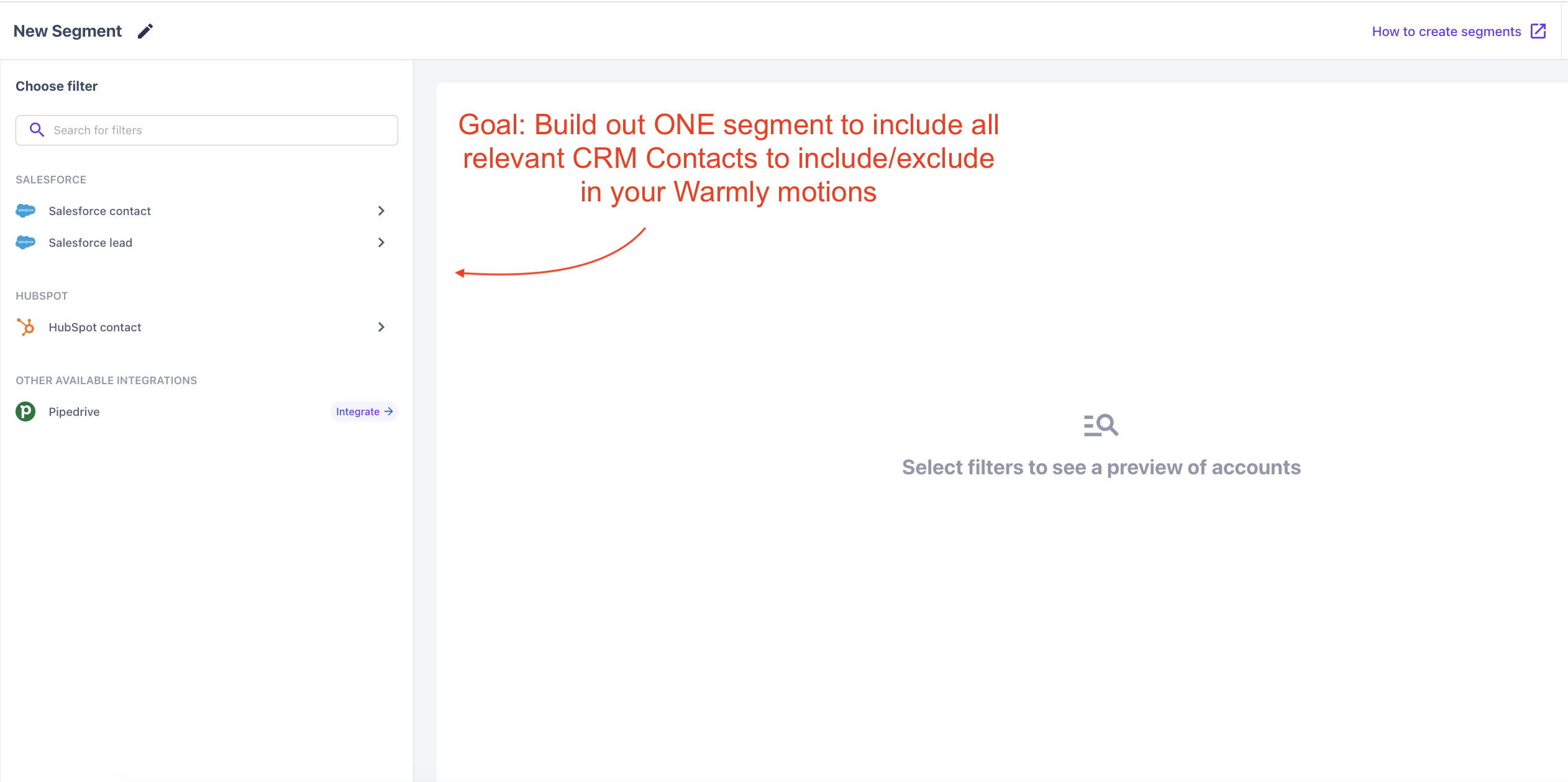
Building CRM Contact/Lead Segments
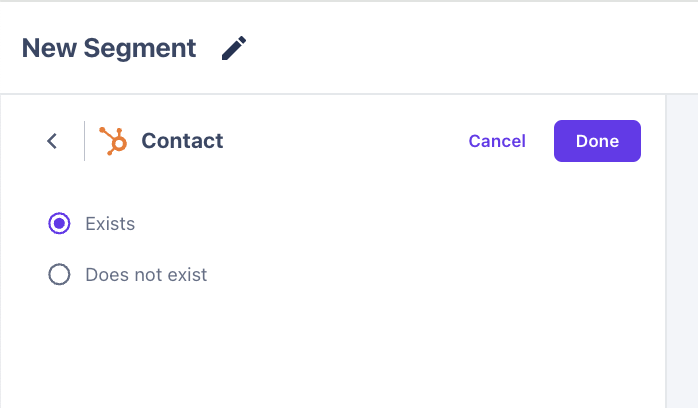
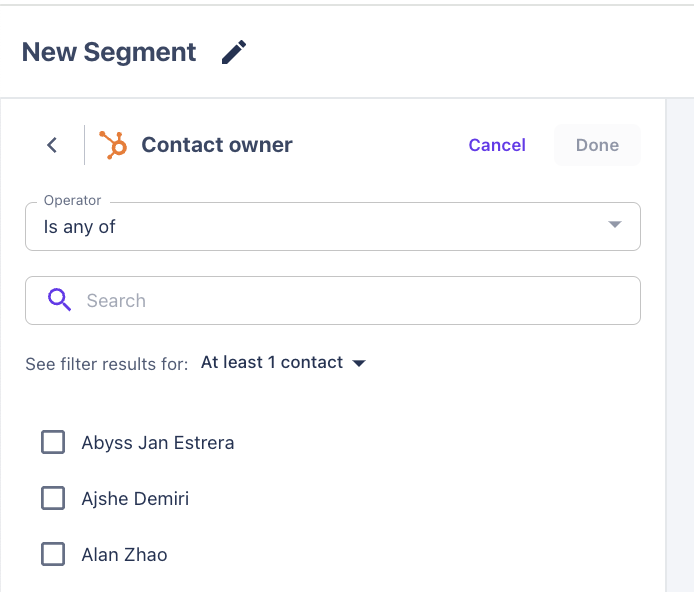
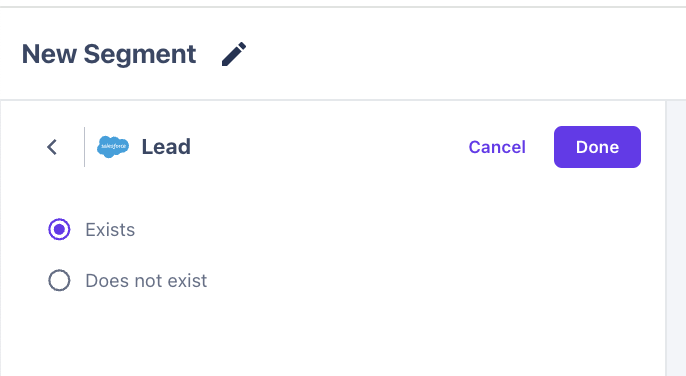
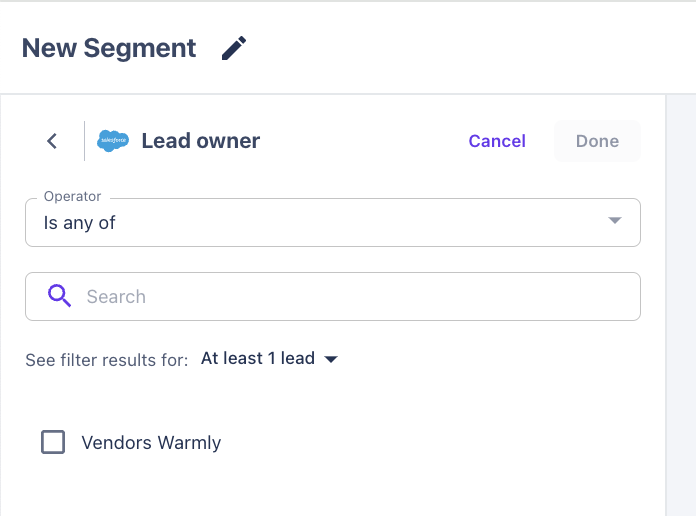
Filtering by CRM contact or lead is key to managing your outreach efficiently. By filtering based on whether a contact or lead exists, you can target only those who are actively engaged or reach out to net new prospects. Filtering by contact or lead owner helps you assign tasks, track accountability, and ensure that the right team members are managing the right relationships. This level of precision ensures your efforts are focused where they will have the greatest impact.
HUBSPOT: CONTACTS
Hubspot Contact Fields
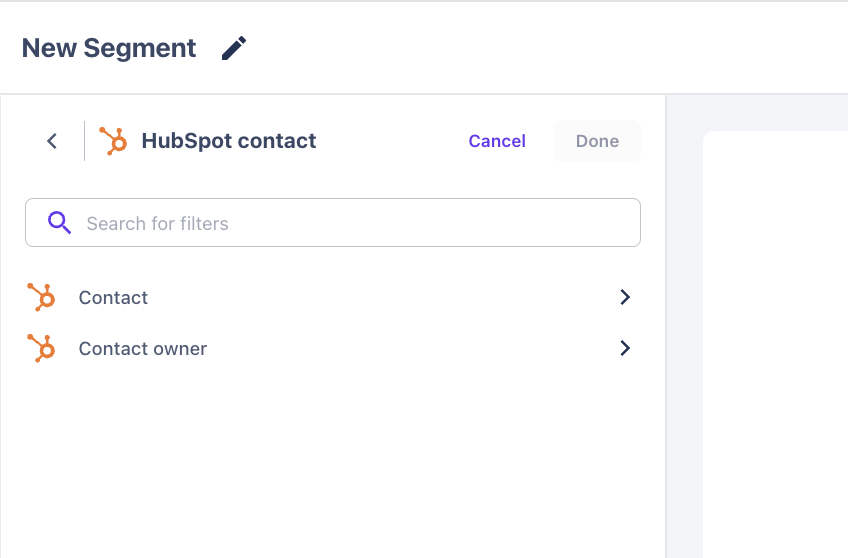
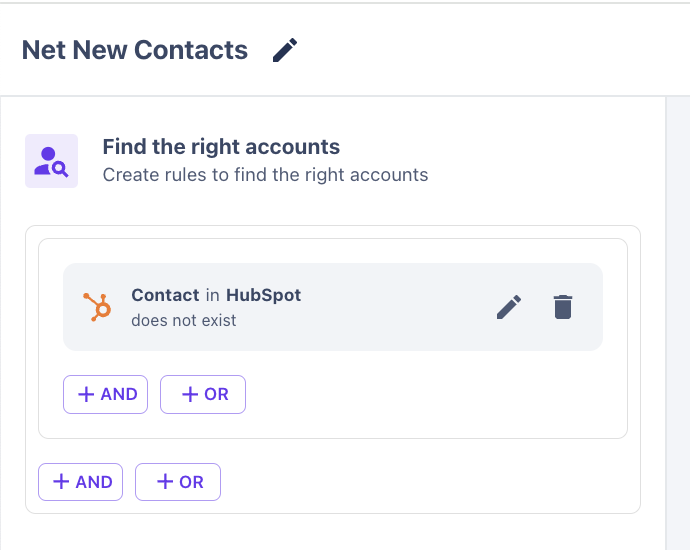
Hubspot Contact Exists / Does Not Exist
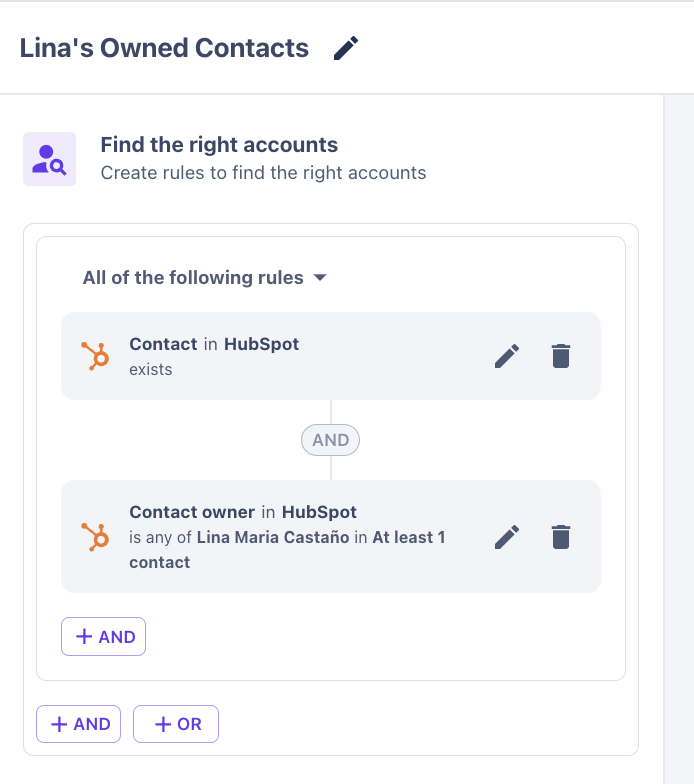
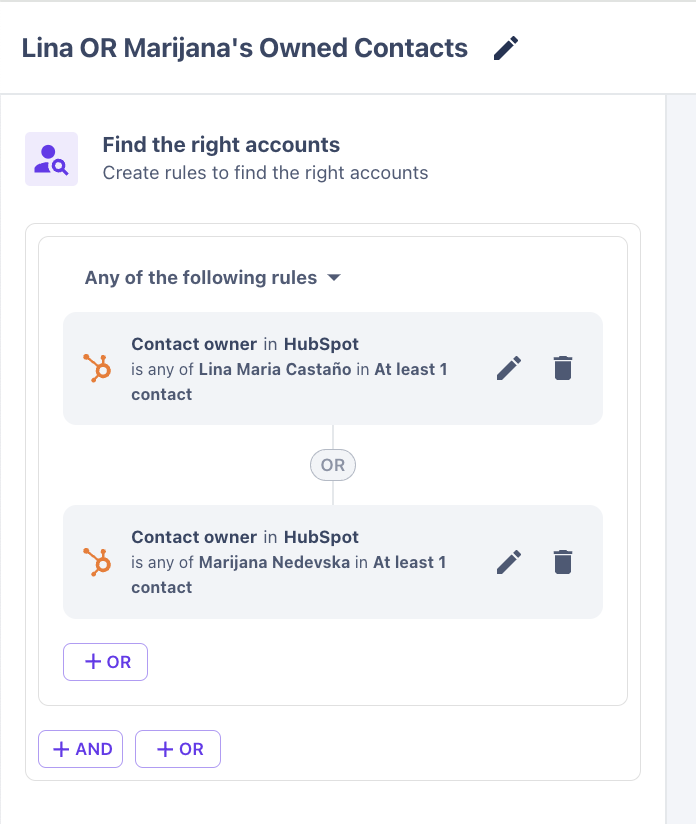
Hubspot Contact Owner
SALESFORCE: LEADS
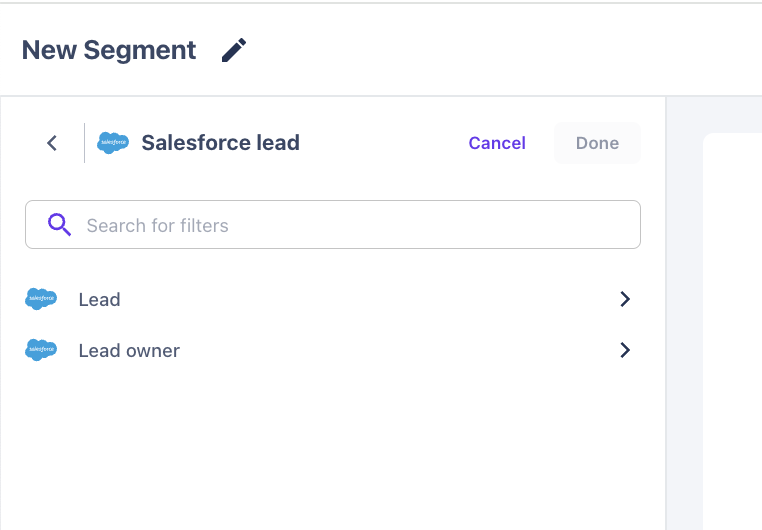
Salesforce Lead Fields
Salesforce Lead Exists / Does Not Exist
Salesforce Lead Owner
Building your ICP into ONE segment !!
Net New Contacts
Lina's Owned Contacts
Lina OR Marijana's Owned Contacts
This article was written by the Customer Success team at Warmly. Please feel free to reach out to your CSM directly or [email protected]