Adding Chat to Specific Webpages
Last updated: June 18, 2025
Many customers want their prospects to only see Chat on certain pages. Warmly has built the functionality to allow customers to filter out specific webpages for Chat.
Steps to Filter IN/OUT Specific Webpages
Go to your Chat workflow
In the main widget, click [Edit Audience And Conditions]
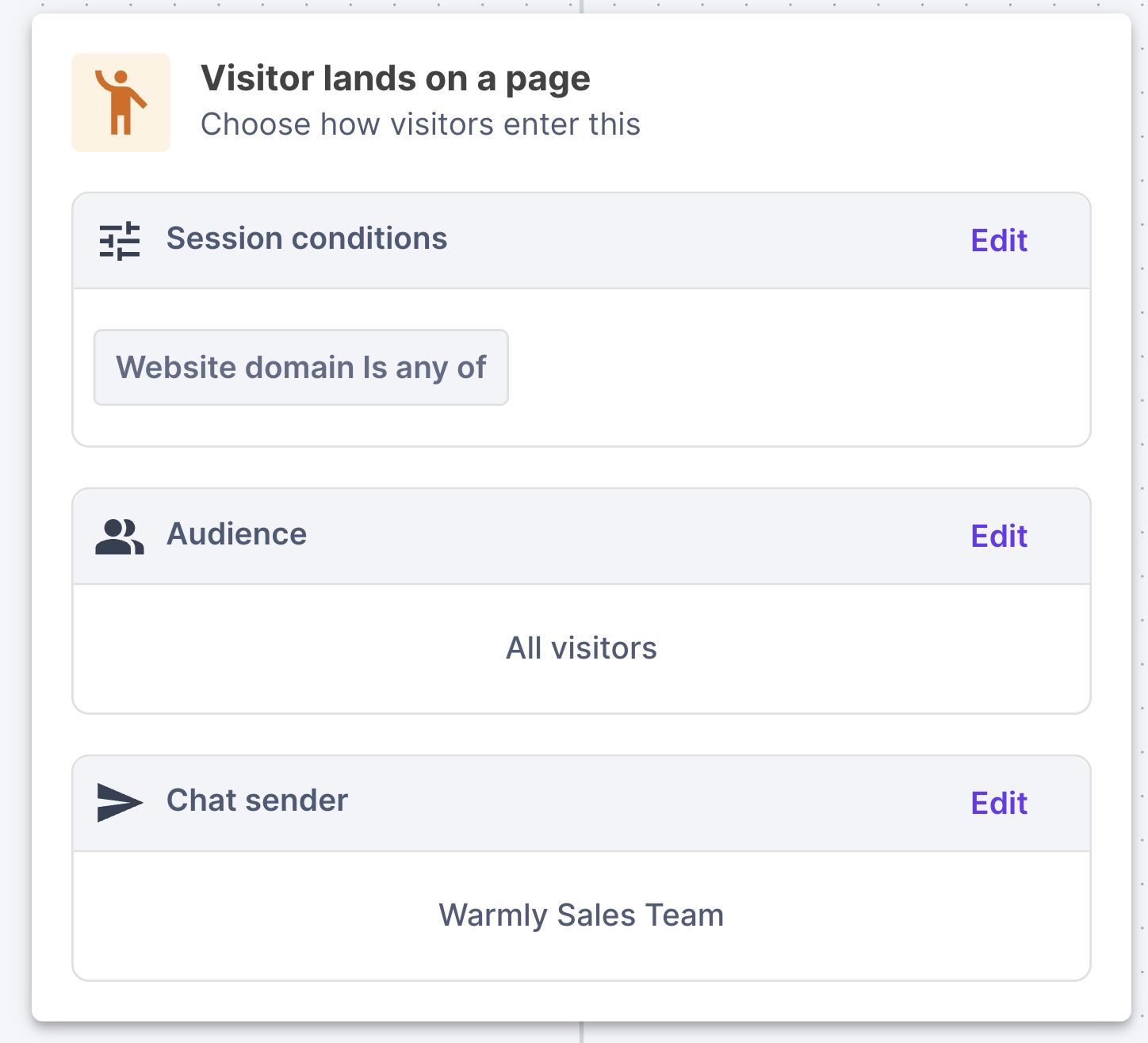
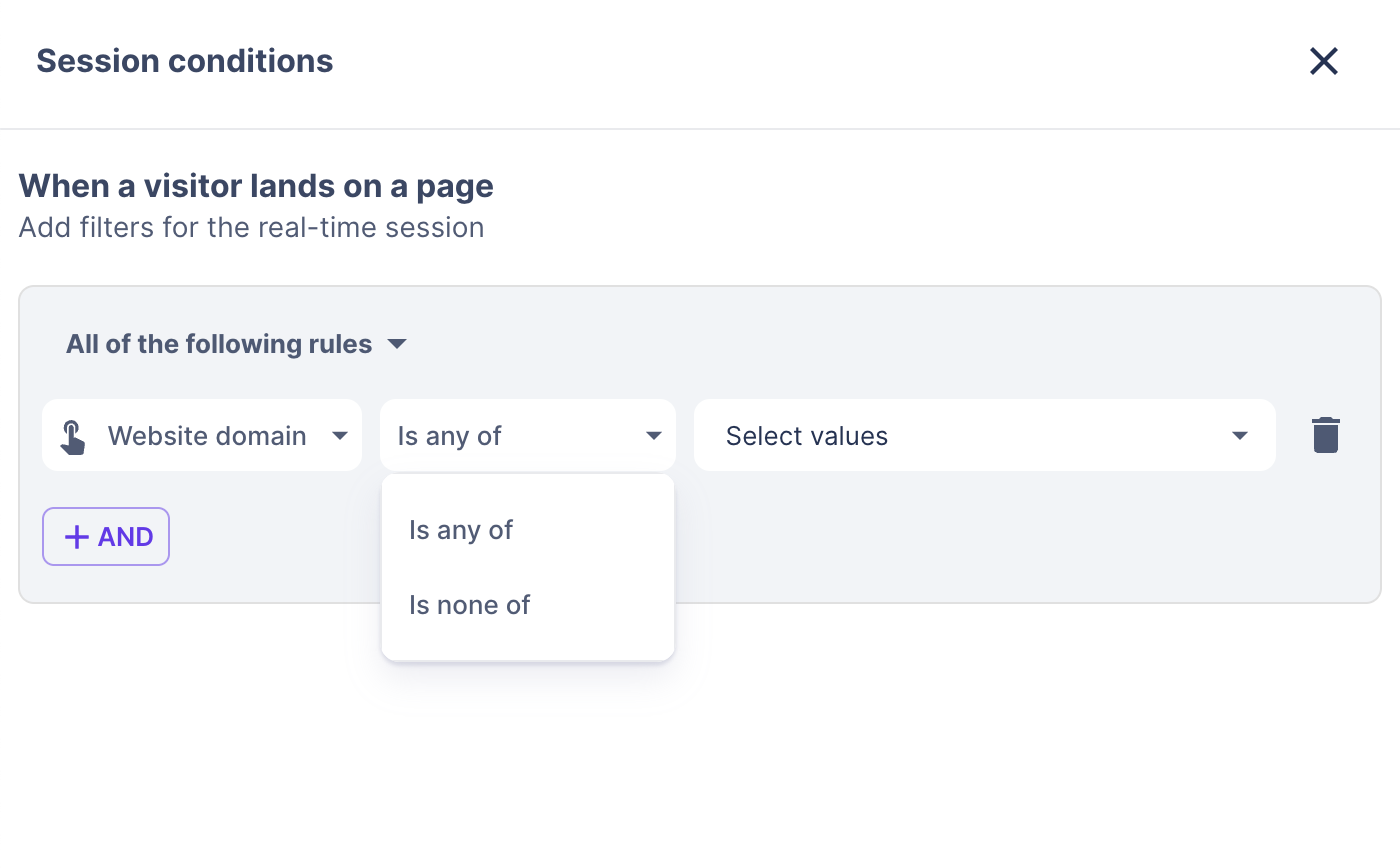
Filter OUT a Specific Webpage
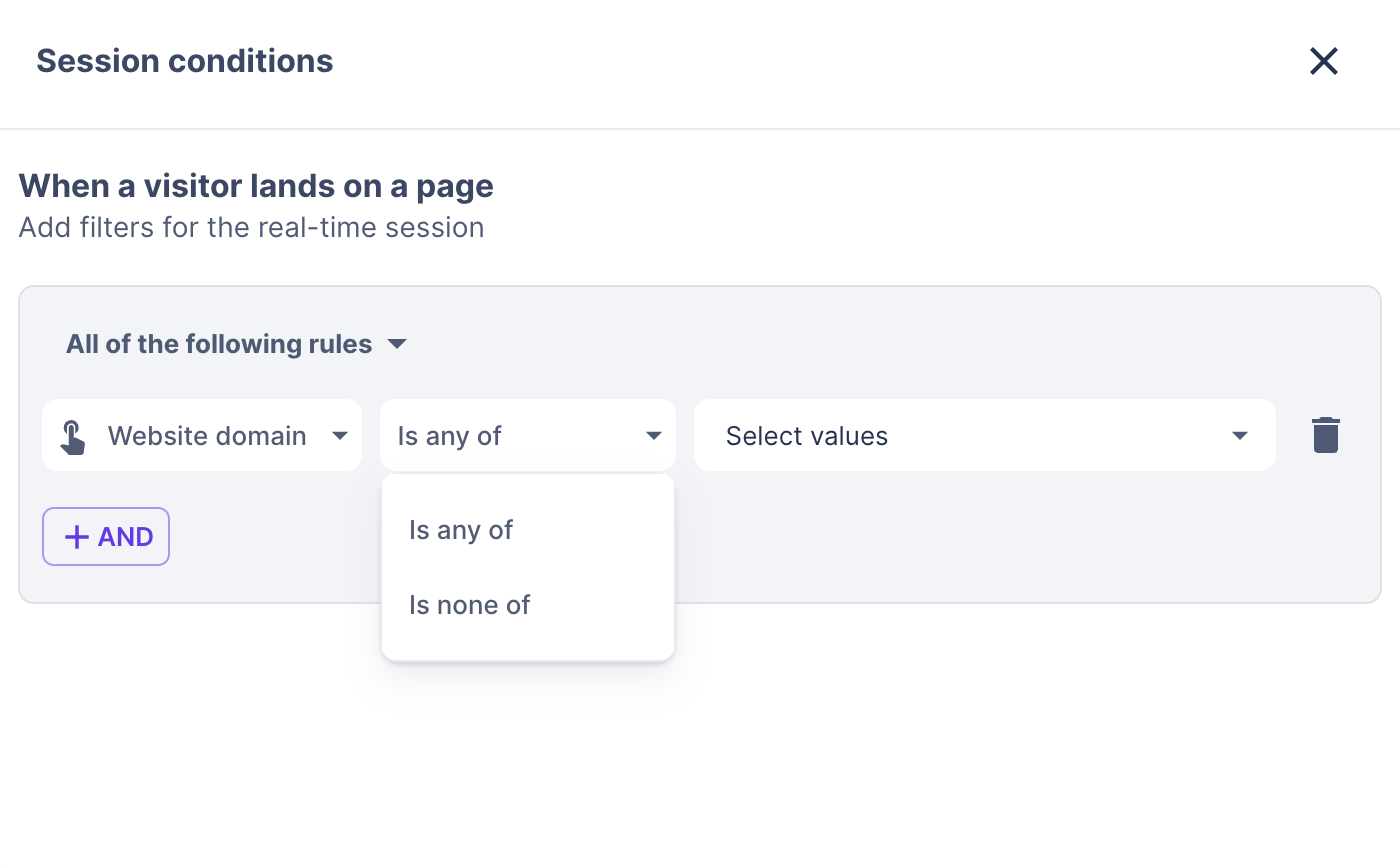
Filter IN a Specific Webpage
This article was written by the Customer Success team at Warmly. Please feel free to reach out to your CSM directly or [email protected]