Warmly Integration Documentation: Reply.io
Last updated: September 23, 2026
Note: This integration is only available on Paid plans.
Connect Reply.io to Warmly to automatically add prospects to your Reply.io email sequences directly from Warmly.
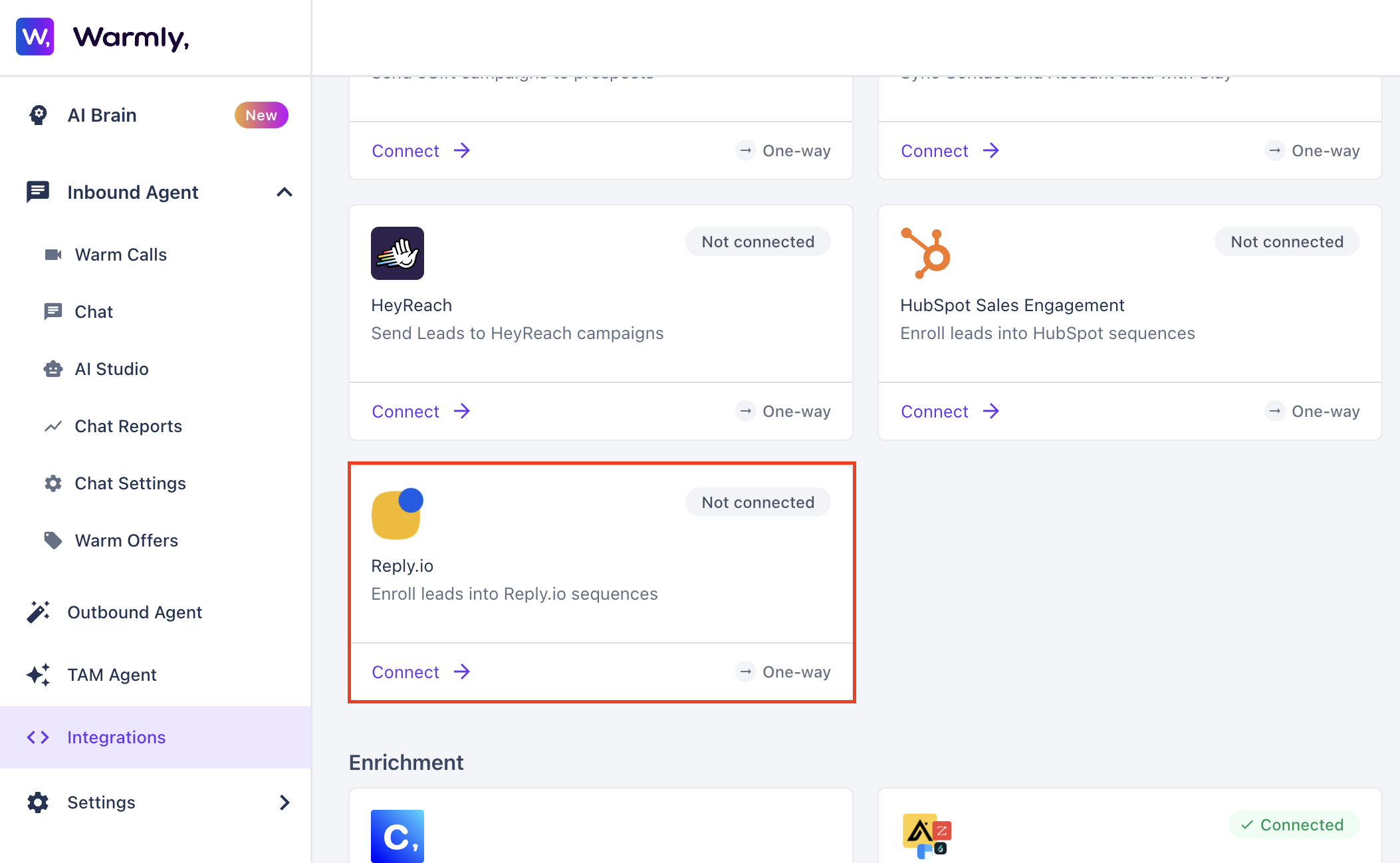
Step-by-Step Instructions
To integrate Reply.io, head to your Warmly dashboard and find the Integrations section within the Settings tab. From there, you can access the integration.
Getting the API Key
Log in to Reply.io and go to Settings → API Keys.
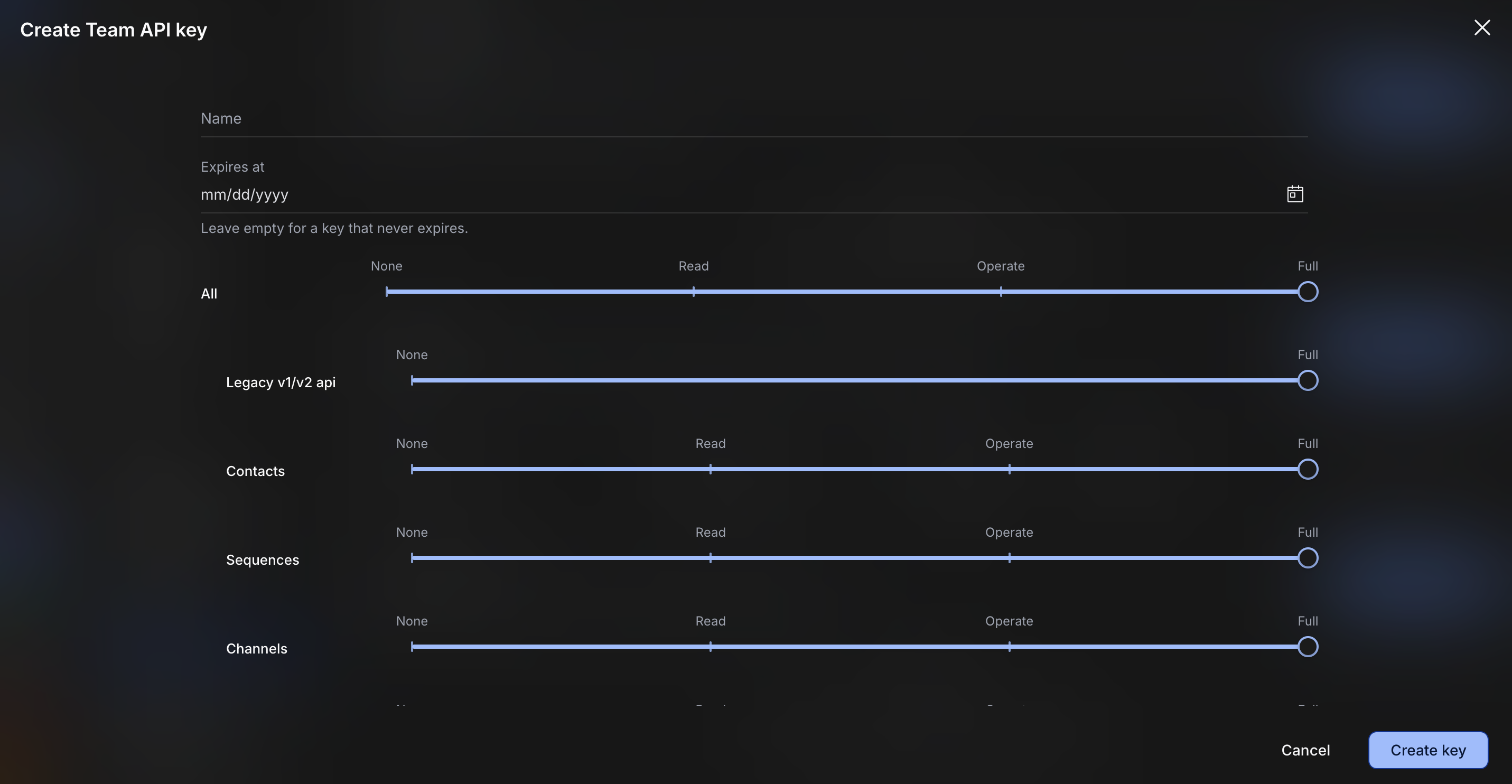
Under Team Keys, click Create Team API Key.
Enter a name for the key and leave the expiration date unset.
Under permissions, set All permissions to Full, then click Create Key.
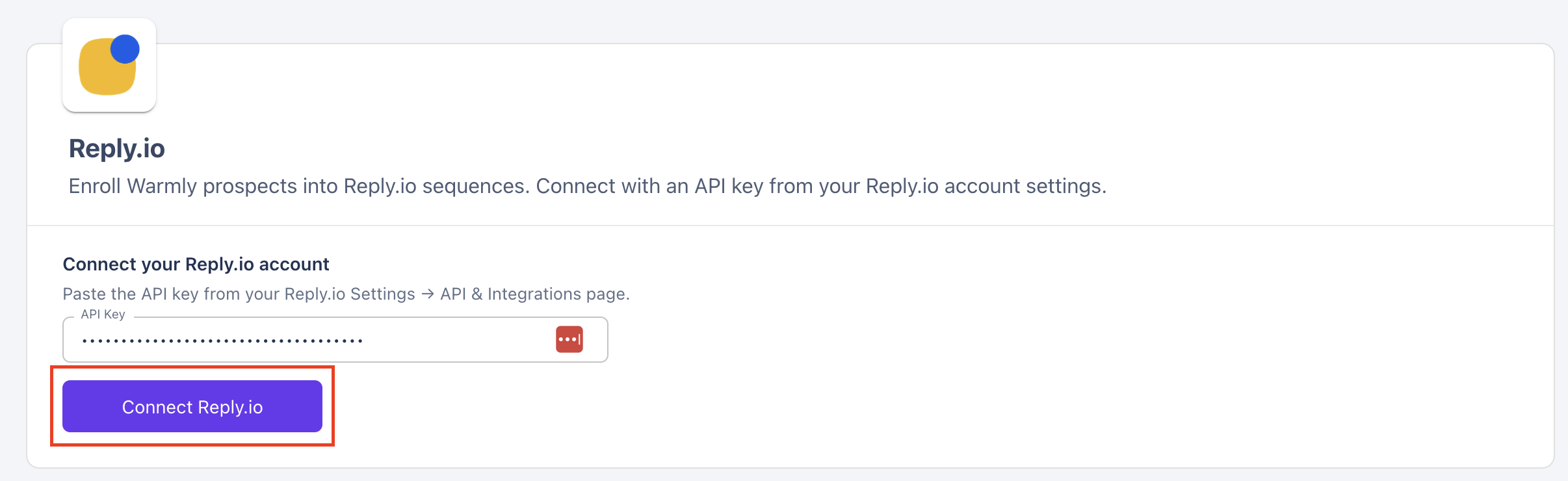
Copy the API key and paste it into Warmly, then click Connect Reply.io.
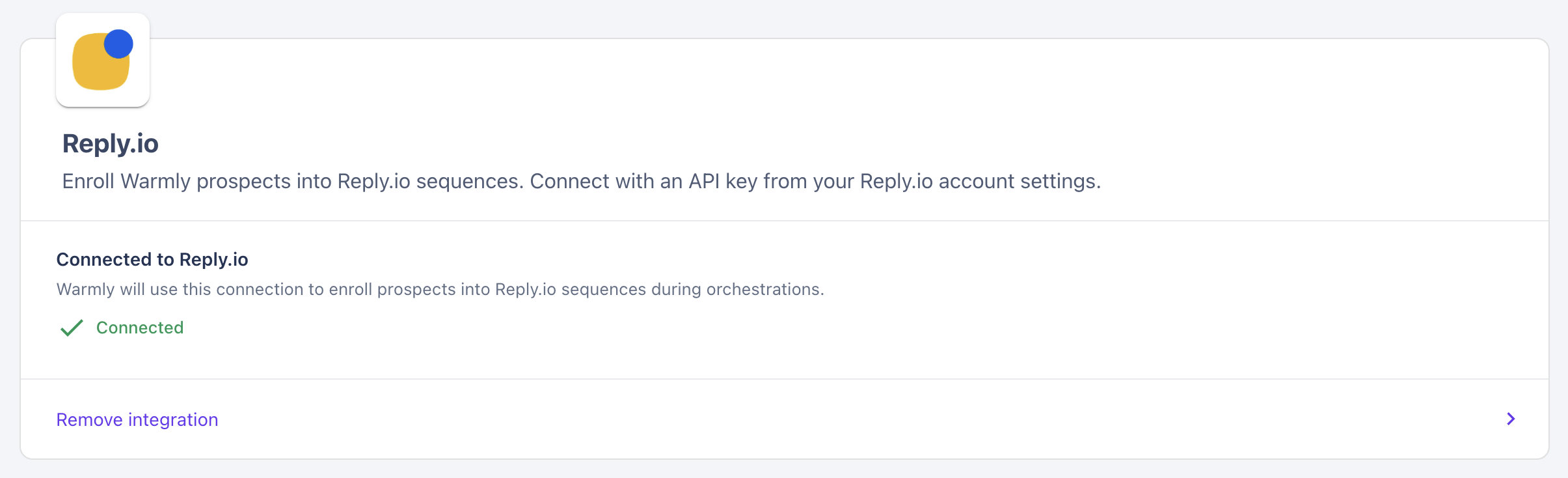
Send prospects to a Reply.io sequence
Once Reply.io is connected, you can add prospects to your Reply.io sequences through a Warmly Orchestration (Outbound Agent).
Create or edit an Orchestration and add a Send email sequence step.
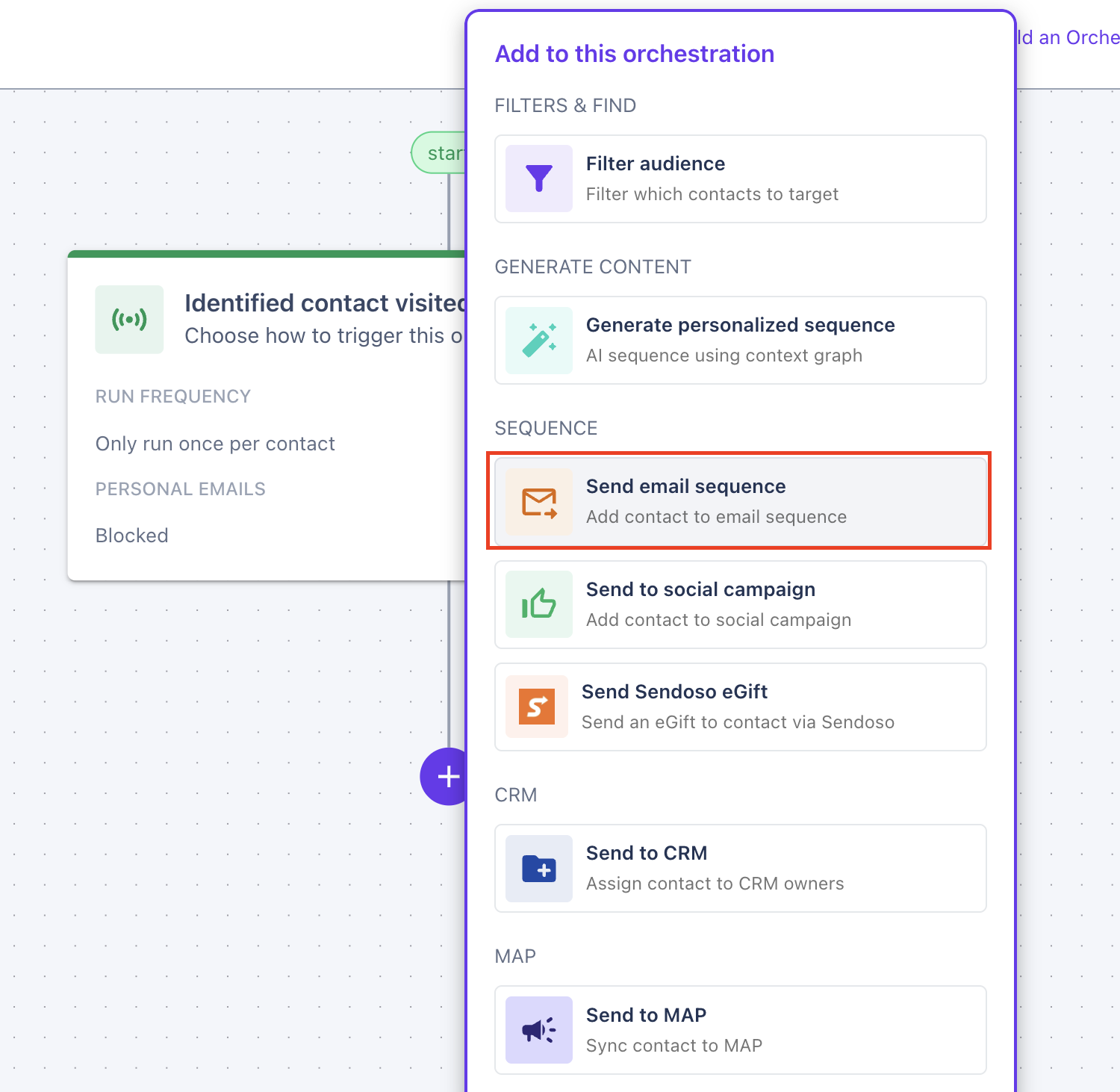
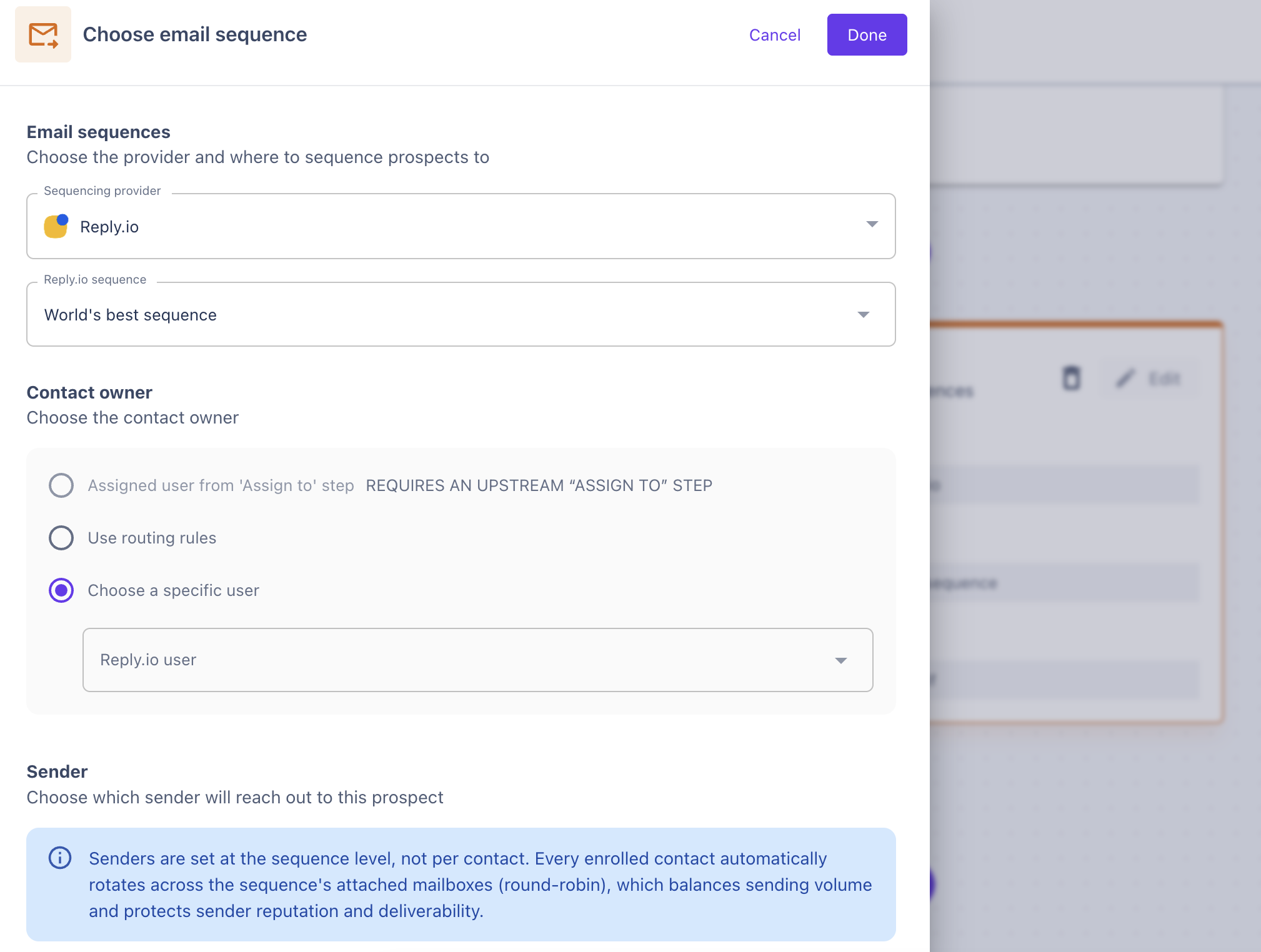
In the Send email sequence step, select Reply.io as the sequencing provider.
Select the Reply.io sequence you'd like to add prospects to.
Configure the contact owner.
Publish your orchestration when fully configured, and that's it! Warmly will now add qualifying prospects to the selected Reply.io sequence based on your Orchestration configuration.
Have questions or feedback? Reach out to your CSM or email us at [email protected]