Social Intent: Setup
Last updated: December 29, 2025
Warmly's Social Intent allows customers to extract valuable data from Social Platform by identifying high-intent posts and comments from influencers in your space.
Discover who is engaging with these posts and leverage this information to connect with your target audience, expand your reach, and drive meaningful conversations.
Whether you're looking to identify potential leads or understand trending topics in your industry, Social Intent makes it easy to refine your strategy and engage with the right people at the right time.
Navigation & Setup
Begin by signing into your Warmly account and clicking the Social Intent tab on the left menu.
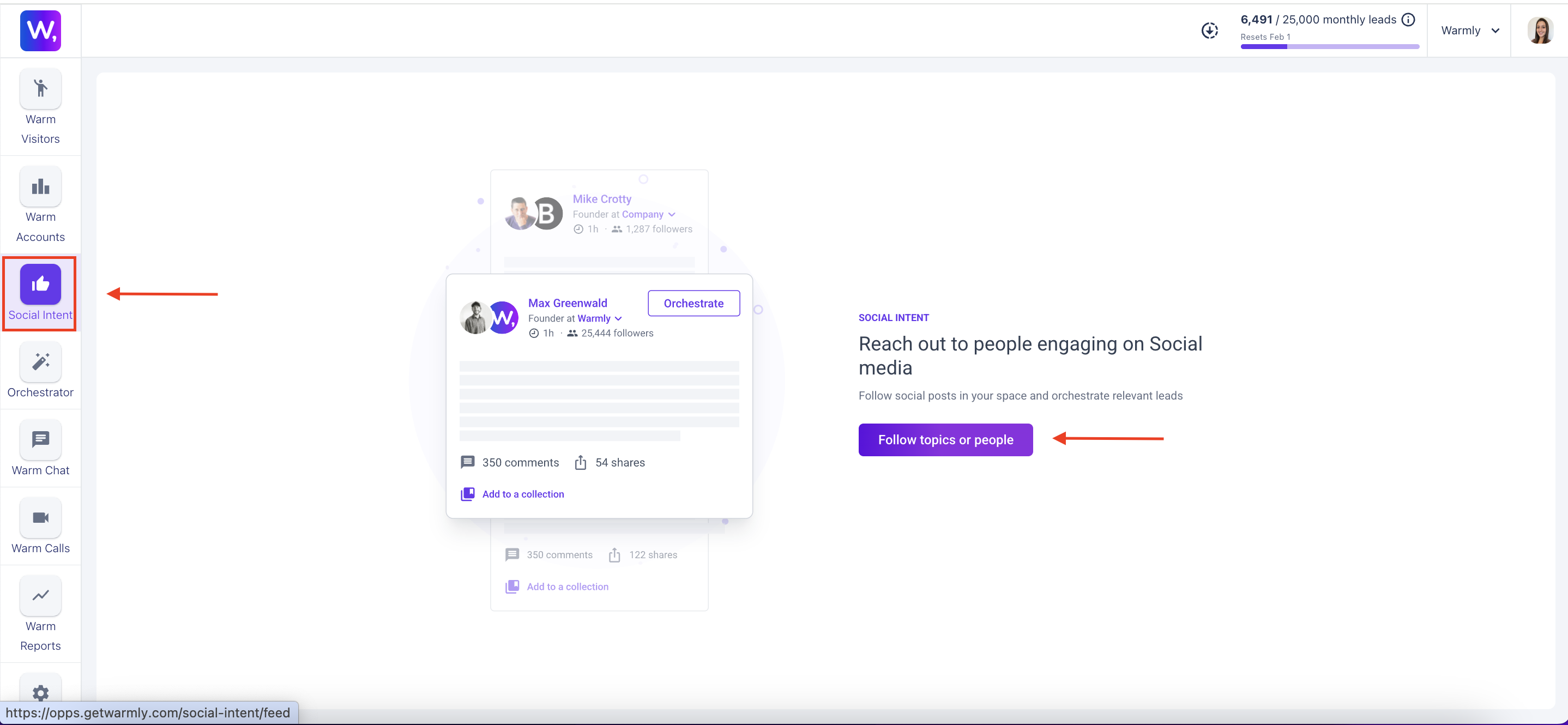
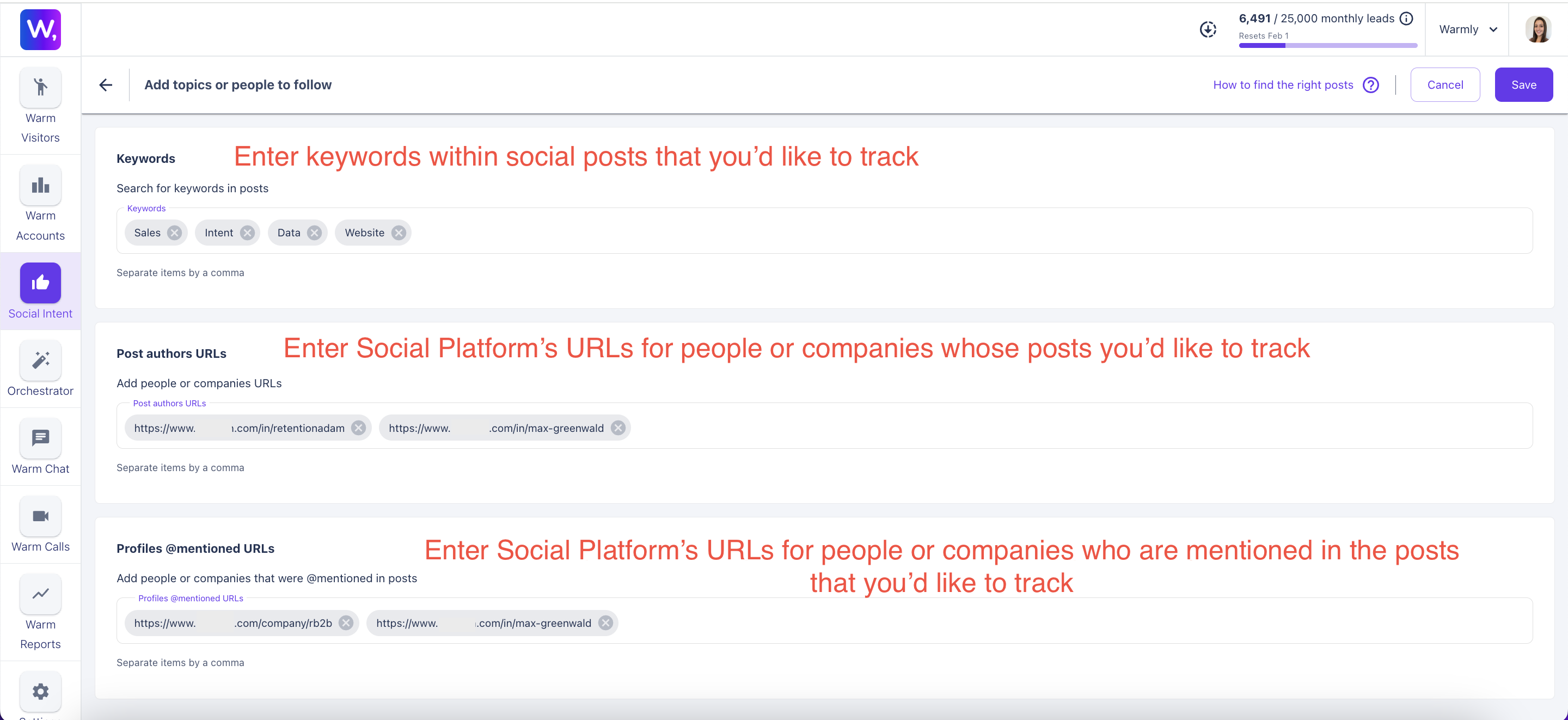
Select topics and people to track and click [SAVE]
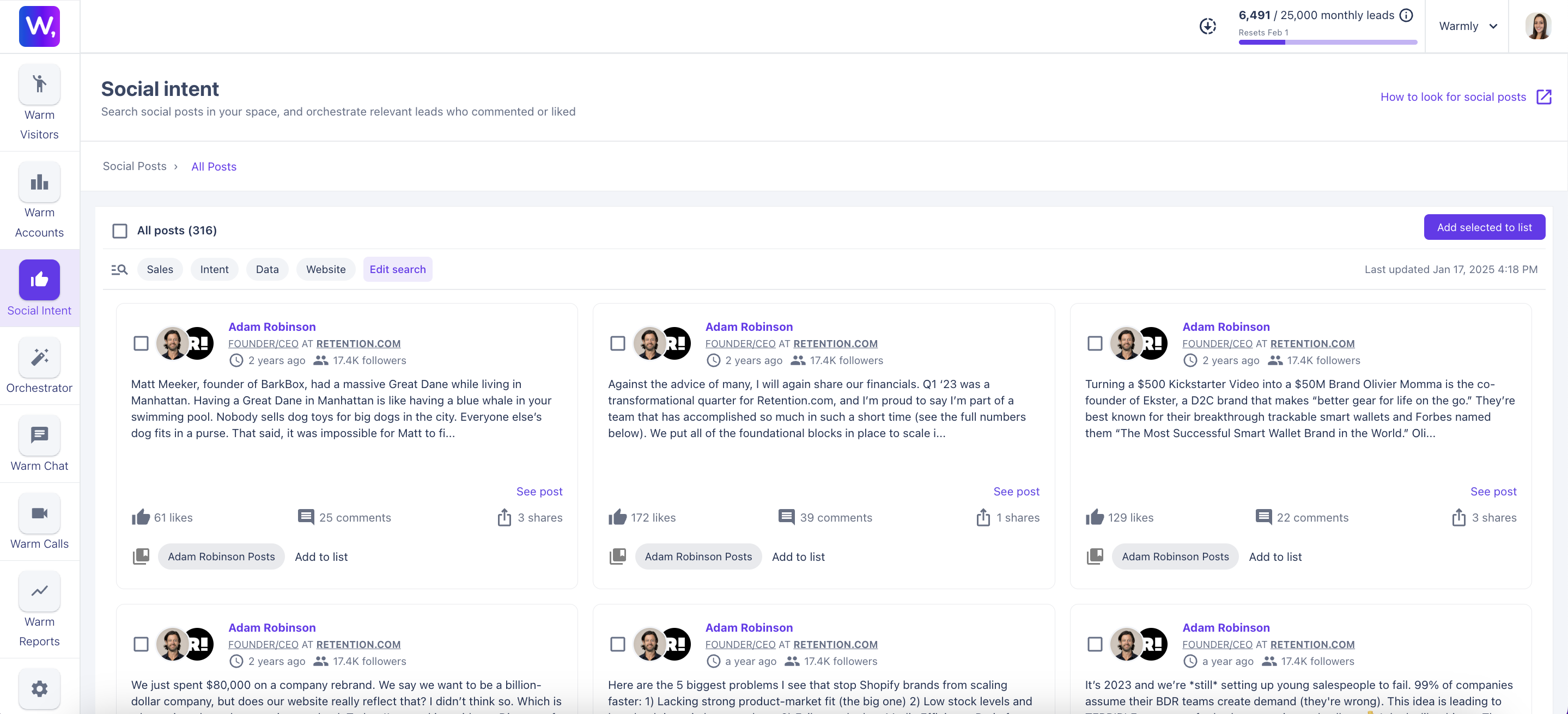
See results of posts that match your selections
If you'd like to further refine your search, click [Edit Search]
Exporting The Data
Select the posts that you'd like to export and click [Add Selected to List] on the right
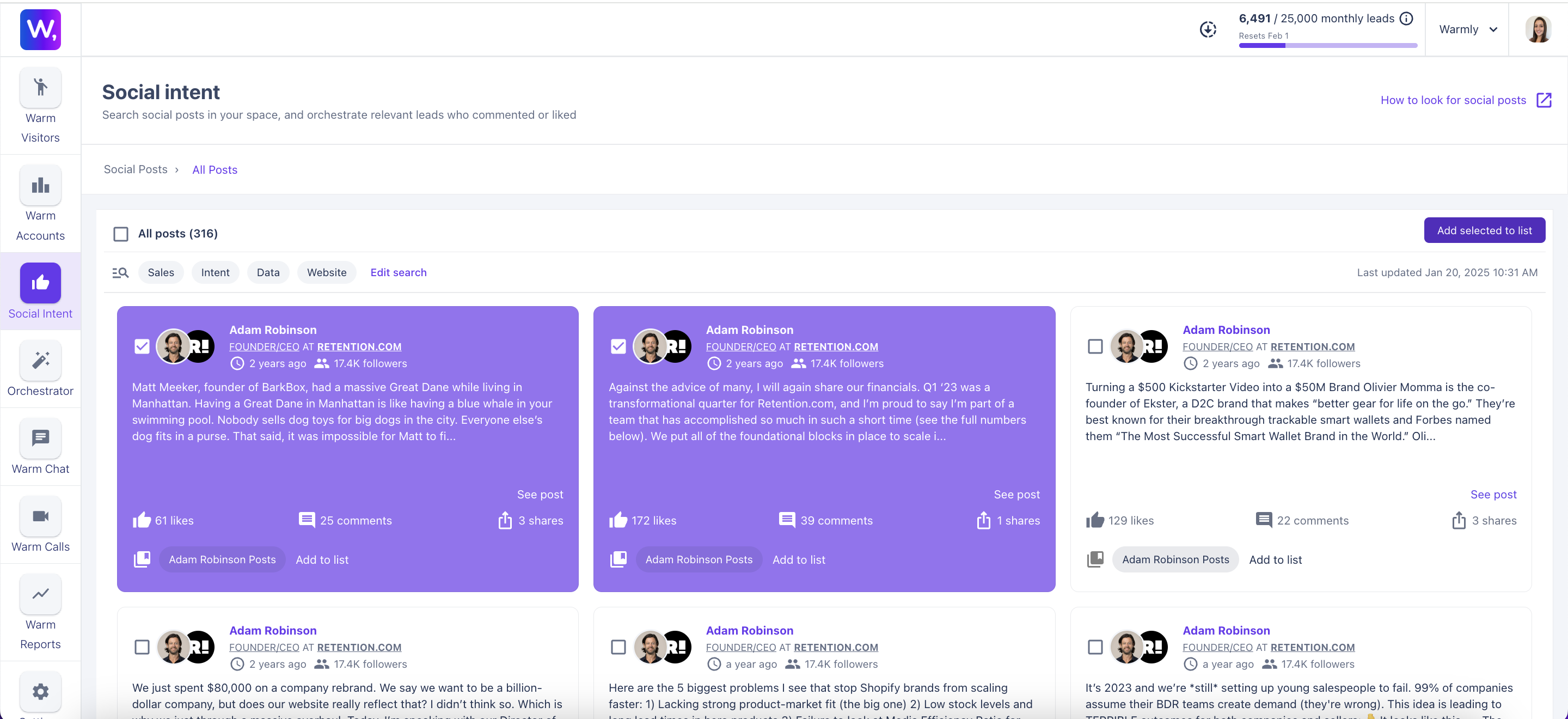
Add to list
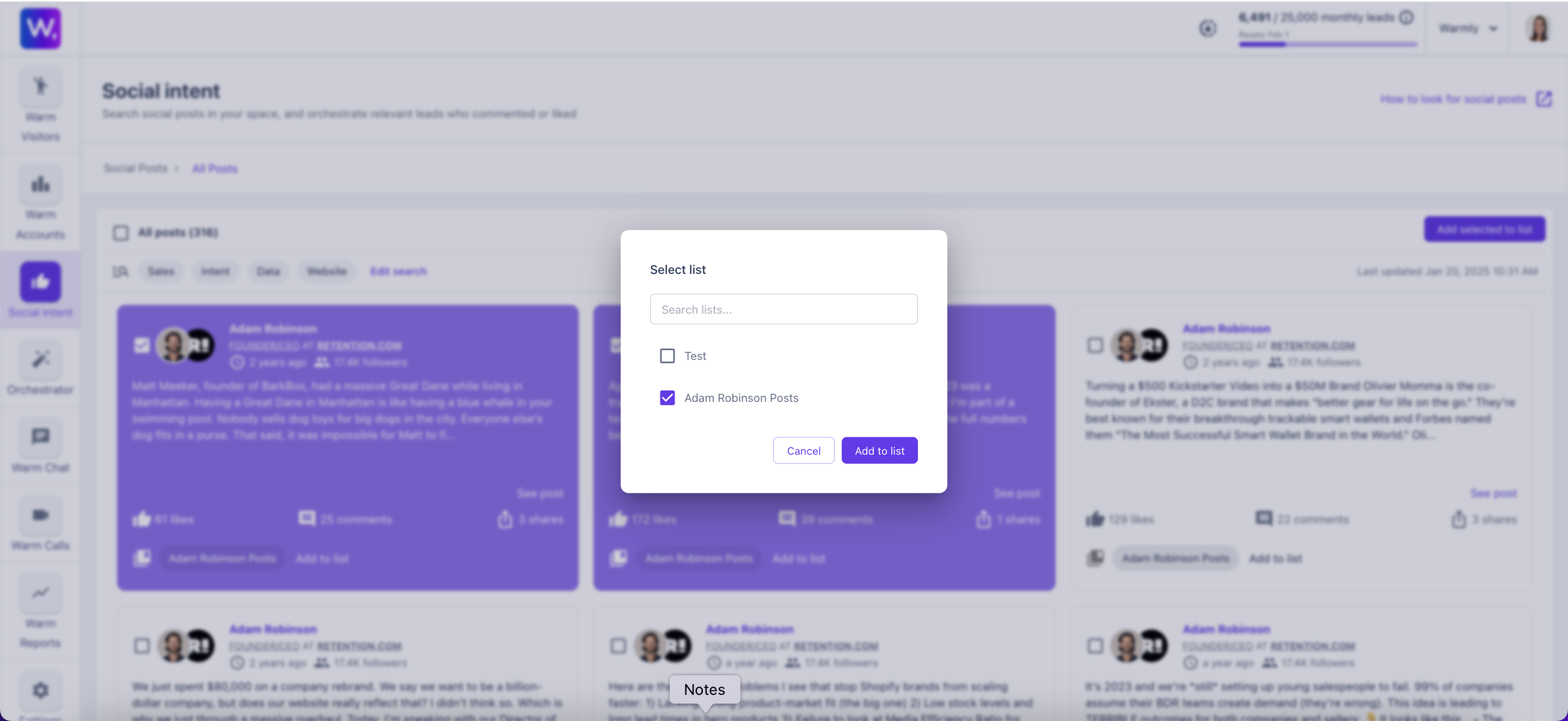
You can export these contacts via CSV or automate via orchestrator.
This article was written by the Customer Success team at Warmly. Please feel free to reach out to your CSM directly or [email protected]